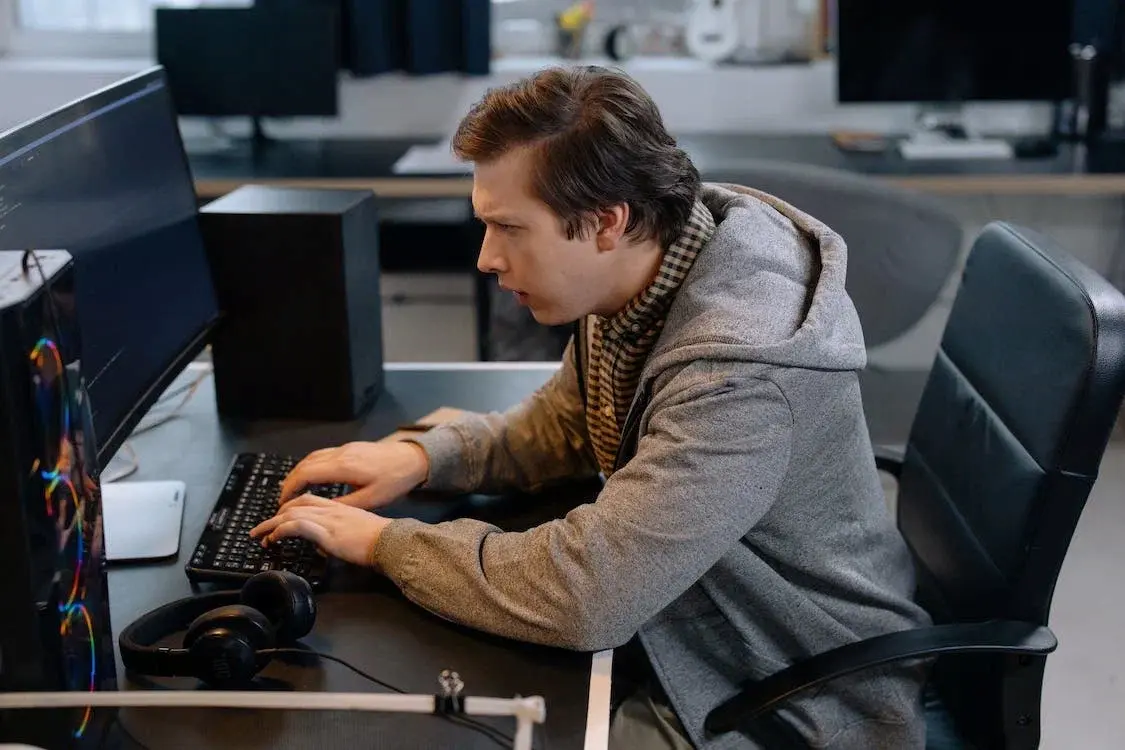
CleverControl al productivității angajaților
Un program pentru monitorizarea completă a personalului în spațiul de lucru. Un raport complet al activităților echipei, al timpului de lucru, al utilizării internetului și multe altele este întotdeauna la îndemâna dumneavoastră.
Compatibil cu sistemele de operare Windows OS de la 7 și mai sus și Mac OS de la 10.12 și mai sus.

Monitorizarea angajaților
CleverControl are ca scop colectarea de rapoarte cuprinzătoare despre rutina zilnică de lucru a echipei tale. Analiza acestor informații îți permite să examinezi fluxul obișnuit de lucru din birou, să detectezi tiparele de succes și cele ineficiente și să găsești modalități de a le îmbunătăți.
Scoring AI
Inteligența artificială puternică analizează activitatea în aplicații și online, marchează această activitate ca fiind productivă sau neproductivă și oferă un scor de productivitate fiecărui angajat. Eliminați analiza manuală a datelor și obțineți acces instantaneu la o imagine corectă și precisă a performanței angajaților.
Capturi de ecran
Funcția de capturi de ecran prezintă rezumatul complet al zilei în imagini. Programul face capturi ale ecranului când angajatul schimbă ferestrele active, accesează un site web sau copiază ceva în clipboard.
Urmărirea utilizării internetului
Vezi cât de mult folosesc angajații site-uri legate de muncă, ce informații caută și cât de des sunt distrași de rețelele sociale, divertisment sau site-uri de cumpărături. Controlează distragerile prin blocarea site-urilor neproductive.
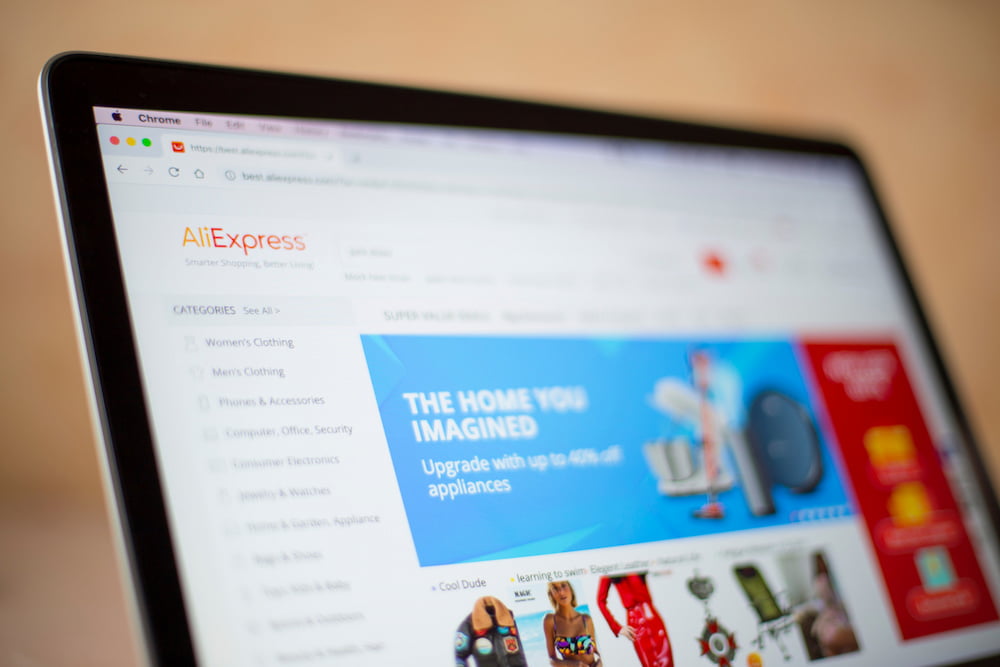
Mediile sociale și mesagerii
Rețelele sociale și chat-urile pot fura mai mult de 30% din timpul de lucru. Obțineți înregistrări detaliate și capturi de ecran ale mesajelor primite și trimise, postărilor, paginilor și comunităților vizitate.
Activitatea aplicațiilor
Vezi toate programele instalate pe calculatoare și cât timp rulează acestea în timpul programului de lucru. Economisește pe licențele pentru software-ul pe care echipa ta nu îl folosește.
Urmărirea sarcinilor imprimantei
Primiți o listă completă a cazurilor de utilizare a imprimantei, cu timpul și numele operațiunii imprimantei. Preveniți scurgerile de date corporative și controlați utilizarea resurselor companiei.
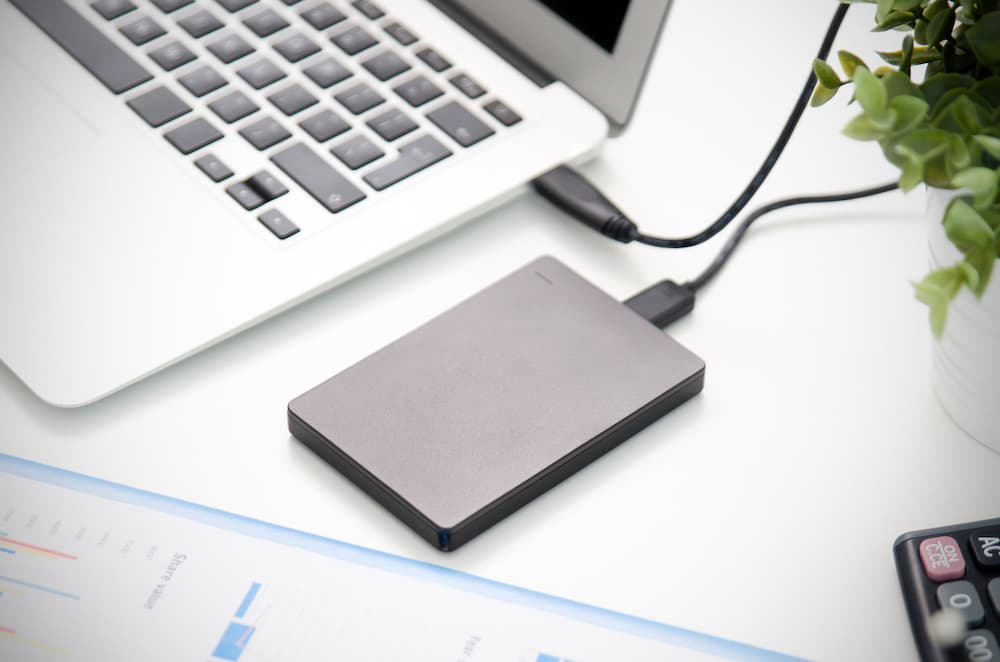
Monitorizarea dispozitivelor de stocare externe
CleverControl înregistrează ce dispozitive se conectează la calculator și momentul conectării. Aflați cine copiază fișiere de pe calculatorul corporativ sau îl folosește pentru nevoi personale.
Urmărirea timpului de lucru
CleverControl poate servi ca un sistem ușor și convenabil de monitorizare a prezenței angajaților. Acesta colectează automat rapoarte despre când membrii echipei își încep și își încheie ziua de muncă.
Urmărirea orei
CleverControl urmărește orele angajaților prin înregistrarea momentelor în care persoana pornește și oprește computerul. Află cine întârzie mereu sau pleacă pe furiș din birou înainte ca ziua de muncă să se termine.
Înregistrări ale timpului de inactivitate
Programul înregistrează perioadele de inactivitate care depășesc limita permisă setată. Obțineți rapoarte privind timpul total de inactivitate pe parcursul zilei pentru fiecare membru al echipei.
Controlul prezenței
Vezi întotdeauna cine întârzie sau este absent de la muncă sau cine lucrează în weekend pentru a respecta termene prea strânse. Echilibrează sarcinile și menține un flux de lucru stabil și sănătos.
Automonitorizare
Angajații pot accesa un tablou de bord personalizat care afișează propriile date de activitate monitorizate, ajutând la obținerea de informații despre obiceiurile lor de lucru.

Acces de la distanță la statisticile privind activitatea angajaților
Monitorizarea angajaților în cloud vă permite să urmăriți performanța indiferent de locul în care vă aflați. Controlați și evaluați fluxul de lucru dintr-o privire folosind grafice statistice informative.
Evaluarea globală a timpului activ
CleverControl creează reprezentări grafice ale timpului total activ și inactiv pentru fiecare membru și pentru întreaga echipă pe zi, săptămână, lună sau orice perioadă personalizată.
Înregistrări ale celor mai utilizate aplicații și site-uri web
Vezi ce aplicații și categorii de site-uri web folosesc cel mai des angajații, cât timp petrec pe ele și cum se schimbă această valoare în diferite perioade.
Atenție la utilizarea rețelelor sociale și a mesagerilor
Statistica arată cât timp petrece echipa pe rețelele sociale și în aplicațiile de mesagerie și cum se modifică acest ritm.

Sunteți curioși cum poate CleverControl să deblocheze potențialul echipei dumneavoastră?
Faceți o încercare gratuită și descoperiți informații personalizate, o colaborare fără întreruperi și un loc de muncă mai fericit și mai productiv. Vedeți ce este posibil. Începeți testul gratuit astăzi.
Începeți gratuitGhid pentru monitorizarea angajaților
Ce este monitorizarea angajaților?
Monitorizarea angajaților înseamnă colectarea de informații despre activitățile personalului la locul de muncă folosind diverse metode: de la monitorizarea calculatoarelor până la supravegherea video. Obiectivele principale sunt creșterea productivității, controlul resurselor corporative și prevenirea pierderii de date.
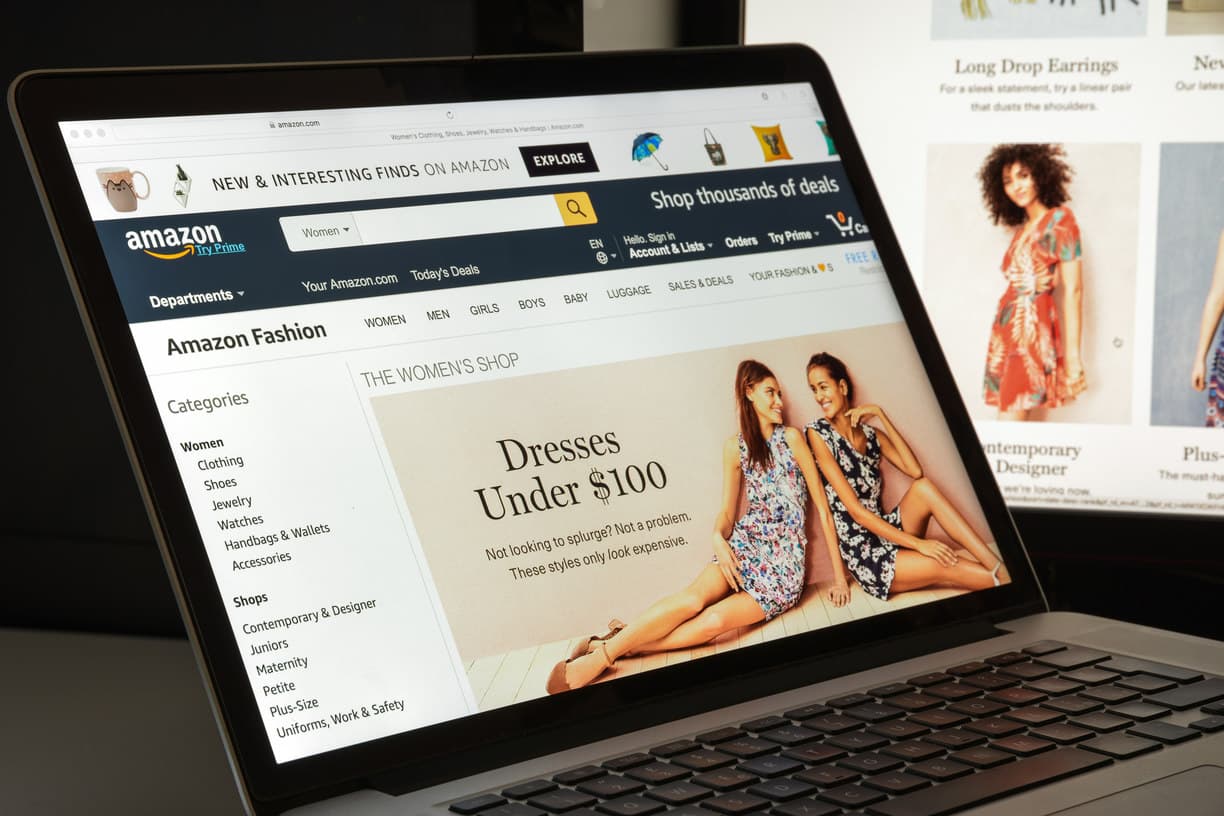
Cercetările efectuate de International Data Corp (IDC) arată că angajații petrec până la 40% din timpul de acces la Internet de la serviciu pentru scopuri personale. Cei mai mari consumatori de timp sunt rețelele sociale și site-urile de cumpărături. În total, pierderea anuală de productivitate poate ajunge până la 40%.
Care sunt tipurile de monitorizare a angajaților?
Urmărirea activității web
Urmărirea modului în care echipa ta folosește internetul poate limita distragerile. În plus, poți identifica nevoia de instruire și poți economisi la furnizorii de servicii prin îmbunătățirea eficienței lățimii de bandă.
Monitorizarea activității computerului
Acoperă monitorizarea activităților legate de muncă configurate pe dispozitivele deținute de companie. Poate include utilizarea aplicațiilor și site-urilor web, capturi de ecran, activitatea imprimantei, timpul activ și inactiv și alte funcții configurate.
Urmărirea locației
Esential pentru persoanele care lucrează în domeniu sau călătoresc frecvent în interes de afaceri. Urmărirea GPS ajută la găsirea dispozitivelor deținute de companie dacă sunt furate sau pierdute.
Monitorizarea apelurilor
Obișnuit pentru managerii de vânzări sau agenții de suport pentru clienți. Înregistrările permit managerilor să se asigure că angajații respectă standardele de comunicare și să instruiască noi membri ai echipei.
Supraveghere video
Cea mai eficientă în locurile care ridică îngrijorări privind securitatea angajaților și a proprietății companiei. Ajută la prevenirea furtului sau sabotajului și asigură condițiile de muncă să respecte cerințele de securitate.
Cum să monitorizați productivitatea la locul de muncă?
Stabiliți așteptări și termene clare
Stabilește obiective clare și măsurabile nu doar pentru întreaga afacere, ci și pentru fiecare echipă și membru al echipei.
Utilizați un software de gestionare a proiectelor
Aceste aplicații vă permit să urmăriți cine este responsabil pentru ce muncă și cât timp petrece pe aceasta. Atribuiți sarcini, stabiliți termene și discutați proiectul — totul într-un singur program.
Măsurați rezultatele, nu timpul de lucru
Ia în considerare rezultatul muncii, nu cât timp petrec angajații la birou. Punctualitatea nu înseamnă productivitate.
Oferiți feedback
Dacă observați un angajat cu productivitate scăzută, acesta poate întâmpina dificultăți din cauza lipsei de instruire sau a sarcinilor neclare. Creați o cultură eficientă a feedback-ului în compania dumneavoastră.
Urmăriți activitatea computerului
Software-ul de monitorizare a angajaților, precum CleverControl, vă permite să analizați fluxul de lucru și să vedeți cum își desfășoară echipa sarcinile.
Ce face software-ul de monitorizare a angajaților?
În prezent, software-ul de monitorizare a angajaților este cea mai răspândită metodă de urmărire a productivității. Administratorul de sistem instalează programul de monitorizare pe calculatoarele companiei. După aceea, programul urmărește automat activitatea și o interpretează.
Puteți primi datele colectate prin e-mail, prin stocare în cloud sau prin tabloul de bord online și puteți fi la curent cu procesul de lucru atât la birou, cât și în timpul unei călătorii de afaceri.
Care sunt avantajele și dezavantajele monitorizării angajaților?
Principalul avantaj al monitorizării personalului este creșterea productivității. De asemenea, ajută la:
- a descoperi modele de lucru ineficiente sau dificultăți neașteptate
- analizează procesele de lucru și le optimizează
- dezvăluie nevoia de redistribuire a volumului de muncă
- să identifice nevoia de formare
- urmărirea timpului de lucru și a prezenței
- să se asigure că personalul utilizează resursele companiei în mod înțelept
- prevenirea scurgerilor de date sensibile
- să furnizeze dovezile necesare în cadrul anchetelor interne
Totuși, angajații pot simți că monitorizarea încalcă intimitatea lor, o pot percepe ca lipsă de încredere sau se pot îngrijora de performanța lor. Angajatorul trebuie să fie transparent cu politica companiei și motivele supravegherii.
Este legală monitorizarea angajaților?
În SUA, majoritatea metodelor de monitorizare sunt legale. Angajatorul este liber să monitorizeze utilizarea computerului și a Internetului, mesajele private, e-mailurile și apelurile telefonice pe dispozitivele deținute de companie.
În Europa, majoritatea metodelor de monitorizare a angajaților sunt legale dacă respectă legile GDPR. Trebuie să informați personalul despre metodele de monitorizare, să obțineți consimțământul lor pentru colectarea datelor și să protejați datele colectate.
Pentru a vă asigura că supravegherea în compania dumneavoastră nu încalcă nicio lege, vă recomandăm să consultați întotdeauna legile locale și de stat. De asemenea, este recomandabil să fiți transparent cu personalul dumneavoastră cu privire la motivele monitorizării.
Alte caracteristici:
 La sediu
 Monitorizarea utilizării internetului
 Monitorizare live în timp real
Articole



Cazurile clienților
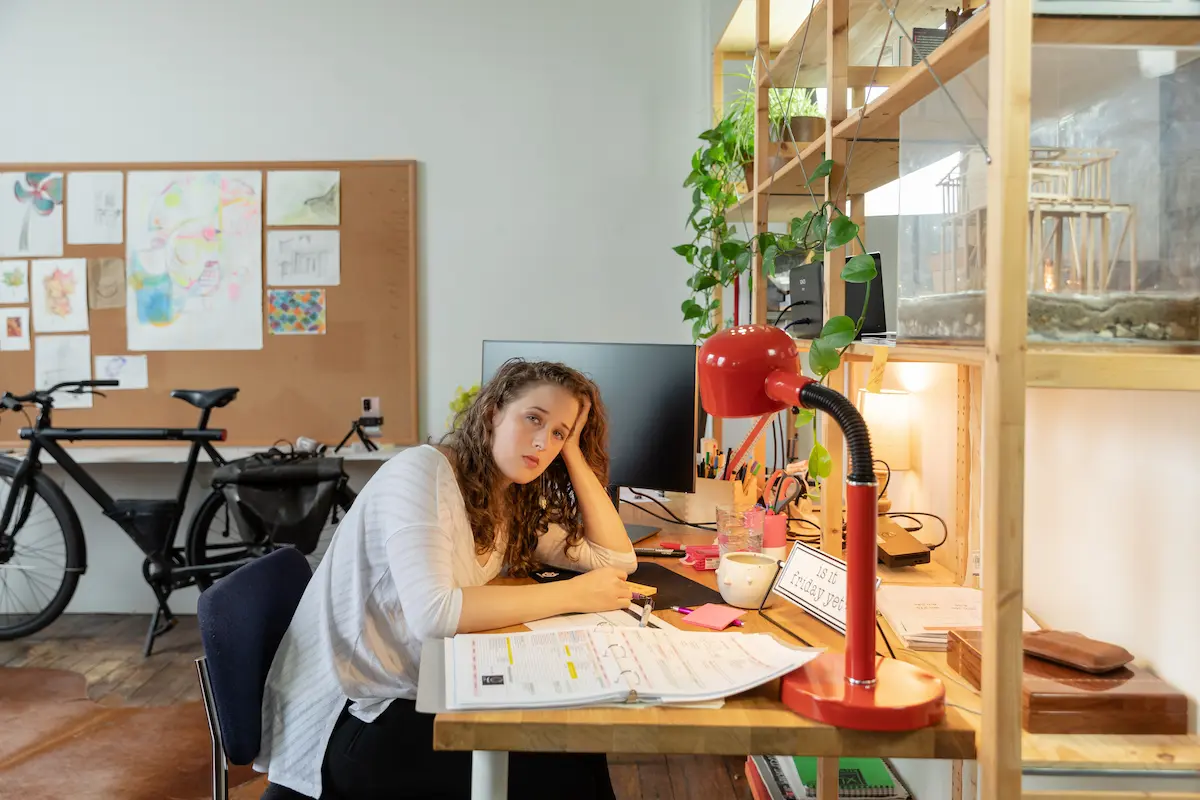




Importanța unei monitorizări consecvente
- Human Resources

Kickback
- Insurance

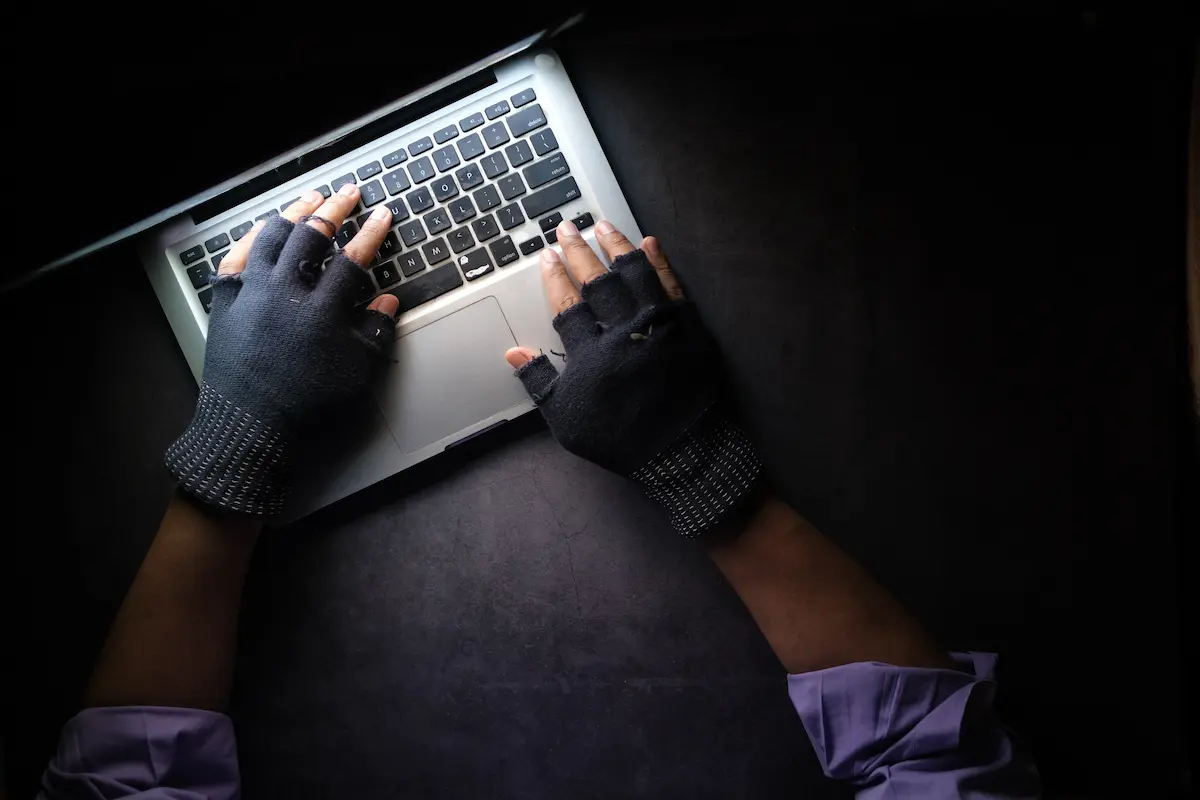
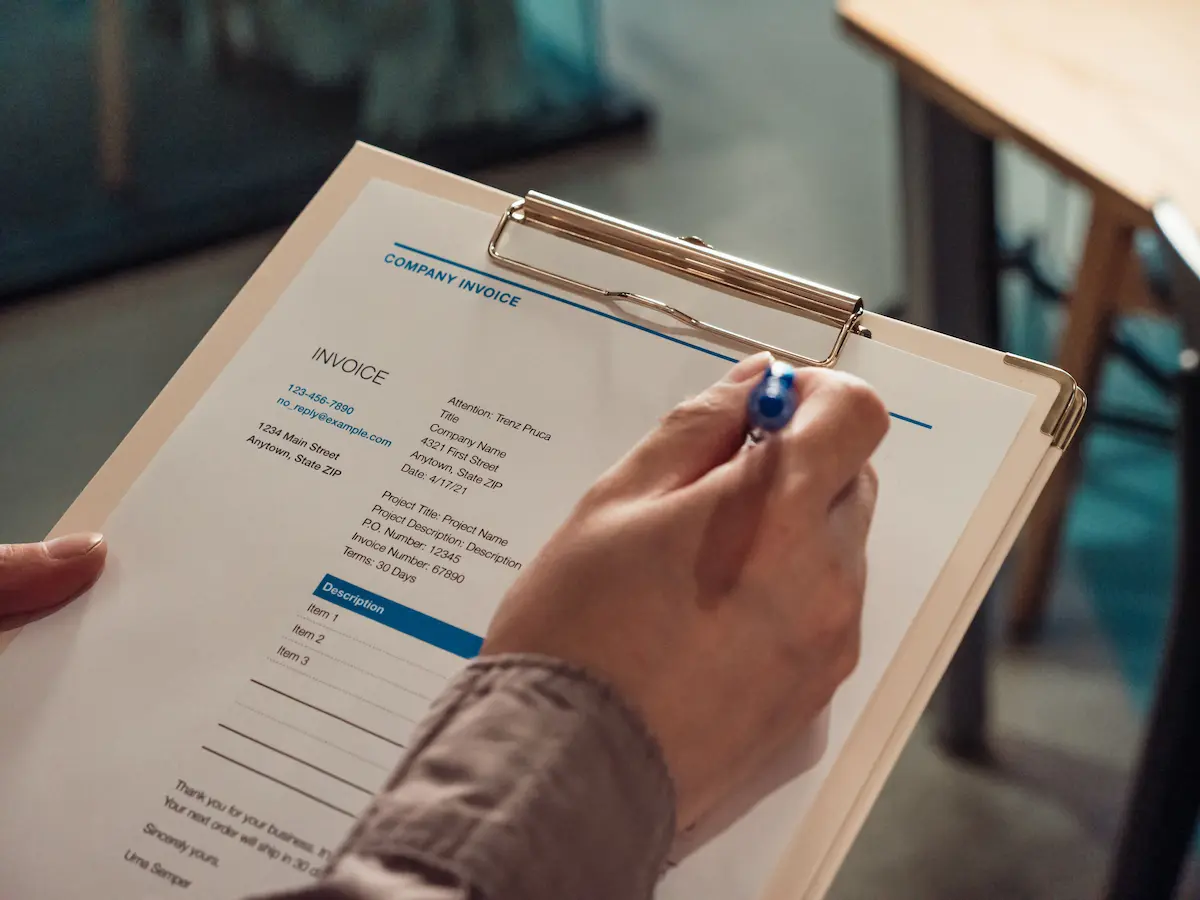
Frauda cu facturi
- Construction
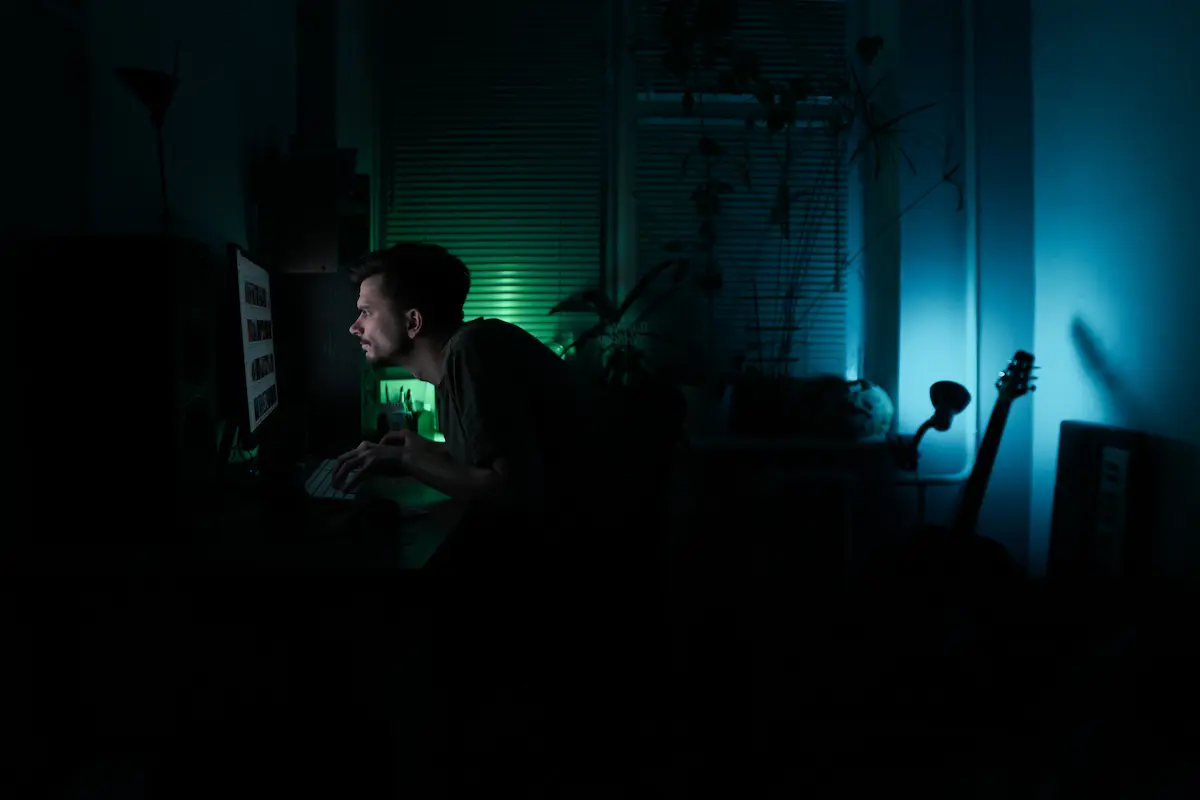

Depistarea unui idler în departamentul de vânzări
- Manufacturing



Fraudă de salarizare
- Insurance






Îmbunătățirea fluxului de lucru
- Marketing

Fraudele la locul de muncă
- Services

Novice fără scrupule
- Retail


Freelance și minerit
- Publishing

Comportament nepotrivit
- Publishing

Detectarea scurgerilor de date
- Manufacturing

Caritate
- Retail

Impostorul
- Advertising