
ملازم کی پیداوری کا ہوشیار کنٹرول
ورک اسپیس میں عملے کی مکمل نگرانی کے لیے ایک پروگرام۔ ٹیم کی سرگرمیوں، کام کا وقت، انٹرنیٹ کے استعمال اور بہت کچھ کی مکمل رپورٹ ہمیشہ آپ کی انگلی پر ہوتی ہے۔
7 اور اس سے اوپر کے ونڈوز OS اور 10.12 اور اس سے اوپر کے Mac OS کے ساتھ ہم آہنگ۔

ملازمین کی نگرانی
CleverControl aims at collecting all-encompassing reports about the daily work routine of your team. Analysis of this information lets you look into the usual workflow in the office, detect successful and ineffective patterns and find ways to improve them.
اے آئی اسکورنگ
Powerful AI reviews activity in apps and online, marks this activity as productive or unproductive and gives a productivity score to each employee. Eliminate manual data analysis and gain instant access to a fair and accurate picture of employee performance.
اسکرین شاٹس
The screenshots feature presents the full summary of the day in images. The program takes snaps of the screen when the employee changes active windows, enters a website or copies something to the clipboard.
انٹرنیٹ کے استعمال سے باخبر رہنا
See how much employees use work-related websites, what information they search for, and how often they get distracted by social media, entertainment, or shopping websites. Control distractions by blocking unproductive websites.

سوشل میڈیا اور میسنجر
Social media and chats can steal more than 30% of the work time. Get detailed records and screenshots of incoming and outgoing messages, posts, visited pages and communities.
ایپلی کیشنز کی سرگرمی
See all installed programs on computers and how much time they run during the working time. Save on licenses for software that your team does not use.
پرنٹر کے کاموں سے باخبر رہنا
Receive a complete list of instances of printer use with the time and the name of the printer operation. Prevent corporate data leaking and control the use of company resources.

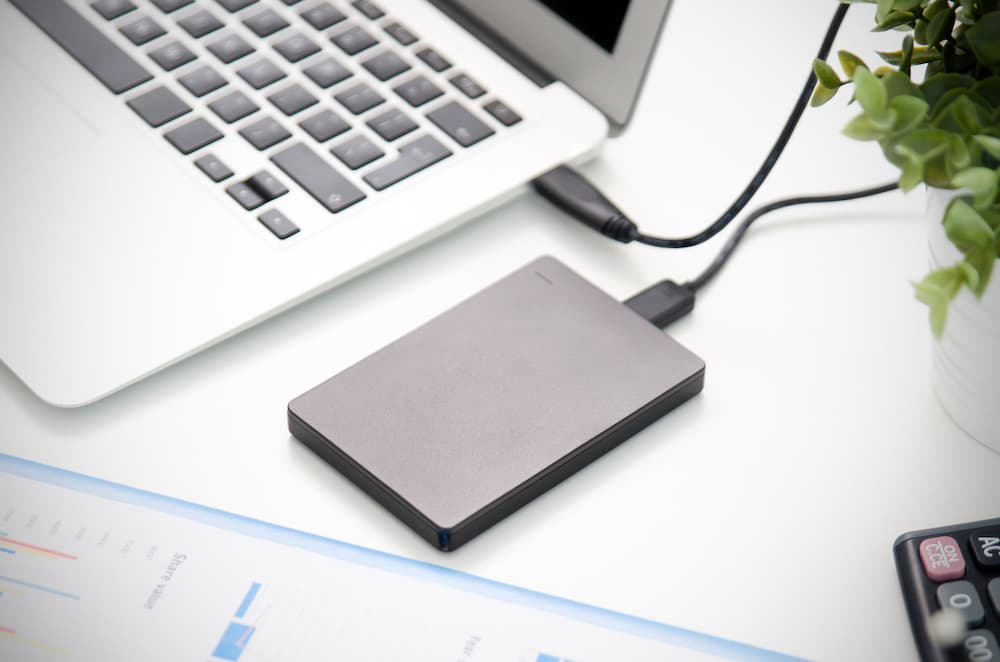
بیرونی اسٹوریج ڈیوائسز کی نگرانی
CleverControl records what devices connect to the computer and the time of the connection. Know who copies files from the corporate computer or uses it for personal needs.
کام کے وقت سے باخبر رہنا
CleverControl may serve as an easy and convenient employee attendance monitoring system. It automatically collects reports on when the team members start and finish their workday.
گھنٹے کی ٹریکنگ
CleverControl tracks employee hours by recording when the person turns on and off the computer. Find out who is always late or sneaks out of the office before the workday is over.
غیرفعالیت کے وقت کے ریکارڈ
The program records periods of inactivity that exceed the set allowed limit. Get reports on the overall idle time during the day for each member of the team.
حاضری کنٹرول
Always see who is late or absent from work or who works on weekends to meet too tight deadlines. Balance the tasks and maintain a stable and healthy workflow.
خود نگرانی کرنا
Employees can access a personalized dashboard displaying their own monitored activity data, helping gain insight into their work habits.

ملازمین کی سرگرمیوں کے اعدادوشمار تک ریموٹ رسائی
Cloud employee monitoring allows you to track performance regardless of where you are. Control and assess the workflow at a glance using informative statistics charts.
مجموعی طور پر فعال وقت کی تشخیص
CleverControl creates graphic representations of the overall active and inactive time for each member and the whole team by day, week, month or any custom period.
سب سے زیادہ استعمال شدہ ایپلیکیشنز اور ویب سائٹس کے ریکارڈ
See what apps and categories of websites the employees use the most often, how much time they spend on them and how this value changes over different periods.
سوشل نیٹ ورکس اور میسنجر کے استعمال پر اسپاٹ لائٹ
The statistic shows how much time the team spends on social networks and messengers and how this rate changes.

جاننا ہے کہ CleverControl آپ کی ٹیم کی صلاحیت کو کیسے کھول سکتا ہے؟
ایک مفت آزمائش لیں اور ذاتی نوعیت کی بصیرتیں، ہموار تعاون، اور ایک خوش کن، زیادہ پیداواری کام کی جگہ دریافت کریں۔ دیکھیں کیا ممکن ہے۔ آج ہی اپنا مفت ٹرائل شروع کریں۔
مفت میں شروع کریں۔ملازم کی نگرانی کے لیے گائیڈ
ملازم کی نگرانی کیا ہے؟
Employee monitoring means gathering information about activities of the staff in the workplace using various methods: from computer monitoring to video surveillance. The main goals are improving productivity, controlling the corporate resources and preventing data loss.

Research performed by International Data Corp (IDC) shows that employees spend up to 40% of the Internet access time at work for personal purposes. The biggest time consumers are social networks and shopping websites. In total, the annual loss of productivity may be as high as 40%.
ملازمین کی نگرانی کی اقسام کیا ہیں؟
ویب ایکٹیویٹی ٹریکنگ
Tracking how your team uses the Internet can restrict distractions. Besides, you can identify the need for training and save on service providers by improving bandwidth efficiency.
کمپیوٹر ایکٹیویٹی مانیٹرنگ
Covers monitoring configured work-related activity on company-owned devices. It may include application and website usage, screenshots, printer activity, active and idle time, and other configured features.
مقام سے باخبر رہنا
Essential for people who work in the field or frequently go on business trips. GPS tracking helps to find company-owned devices if stolen or lost.
کال مانیٹرنگ
Usual for sales managers or customer support agents. Recordings allow managers to ensure employees follow communication standards and train new team members.
ویڈیو کی نگرانی
Most effective in places that raise concerns for the security of employees and the company's property. Helps to prevent theft or sabotage and ensure work conditions meet security requirements.
کام کی جگہ پر پیداوری کی نگرانی کیسے کریں؟
واضح توقعات اور آخری تاریخ طے کریں۔
Set clear and measurable goals not only for the business on the whole but also for each team and team member.
پروجیکٹ مینجمنٹ سوفٹ ویئر استعمال کریں۔
These apps let you track who is responsible for what work and how much time they spend on it. Assign tasks, set deadlines and discuss the project — all in one program.
نتائج کی پیمائش کریں، کام کا وقت نہیں۔
Consider the result of the work, not how much time workers spend in the office. Punctuality does not equal productivity.
رائے دیں۔
If you notice a low-productive worker, they may be struggling due to the lack of training or unclear tasks. Create an efficient feedback culture in your company.
کمپیوٹر کی سرگرمیوں کو ٹریک کریں۔
Employee monitoring software like CleverControl lets you look into the workflow and see how your team perform their duties.
ملازم نگرانی سافٹ ویئر کیا کرتا ہے؟
Nowadays, employee monitoring software is the most widespread method of productivity tracking. The system administrator installs the monitoring program on the company computers. After that, the program automatically tracks the activity and interprets it.
آپ جمع کردہ ڈیٹا کو ای میل، کلاؤڈ اسٹوریج یا اپنے آن لائن ڈیش بورڈ کے ذریعے حاصل کر سکتے ہیں اور دفتر میں اور کاروباری سفر دونوں پر کام کے عمل سے آگاہ رہ سکتے ہیں۔
ملازمین کی نگرانی کے فوائد اور نقصانات کیا ہیں؟
The main advantage of staff monitoring is improved productivity. It also helps to:
- find out ineffective work patterns or unforeseen difficulties
- کام کے عمل کا تجزیہ کریں اور ان کو بہتر بنائیں
- کام کے بوجھ کو دوبارہ تقسیم کرنے کی ضرورت کو ظاہر کریں۔
- تربیت کی ضرورت کی نشاندہی کریں۔
- کام کے وقت اور حاضری کو ٹریک کریں۔
- اس بات کو یقینی بنائیں کہ عملہ کمپنی کے وسائل کو سمجھداری سے استعمال کرے۔
- حساس ڈیٹا کے لیکیج کو روکیں۔
- اندرونی تحقیقات میں ضروری ثبوت فراہم کریں۔
However, employees may feel that monitoring violates their privacy, perceive it as the lack of trust, or worry about their performance. The employer must be transparent with the company policy and reasons for surveillance.
کیا ملازم کی نگرانی قانونی ہے؟
In the USA, most monitoring methods are legal. The employer is free to monitor computer and Internet usage, private messages, emails, and phone calls on company-owned devices.
In Europe, most employee monitoring methods are legal if they abide by the GDPR laws. You must notify the staff about the monitoring methods, receive their consent for data collection, and protect the collected data.
To ensure that surveillance in your company does not infringe any laws, we recommend always consulting your local and state laws. It is also advisable to be transparent with your staff about the reasons for monitoring.
 بنیاد پر
 انٹرنیٹ استعمال مانیٹر
 ریئل ٹائم لائیو مانیٹرنگ