
CleverControl на производителността на служителите
Една програма за пълен мониторинг на персонала в работното пространство. Пълен отчет за дейностите на екипа, работното време, използването на интернет и други е винаги на една ръка разстояние.
Съвместим с Windows OS от 7 и по-нови и Mac OS от 10.12 и по-нови.

Мониторинг на служителите
CleverControl има за цел да събира всеобхватни отчети за ежедневната работа на вашия екип. Анализът на тази информация ви позволява да разгледате обичайния работен процес в офиса, да откриете успешни и неефективни модели и да намерите начини да ги подобрите.
AI точкуване
Мощният изкуствен интелект преглежда активността в приложенията и онлайн, маркира тази дейност като продуктивна или непродуктивна и дава оценка за производителността на всеки служител. Премахнете ръчния анализ на данните и получете незабавен достъп до справедлива и точна картина на представянето на служителите.
Екранни снимки
Екранните снимки представят пълното обобщение на деня в изображения. Програмата прави снимки на екрана, когато служителят сменя активните прозорци, влиза в уебсайт или копира нещо в клипборда.
Проследяване на използването на интернет
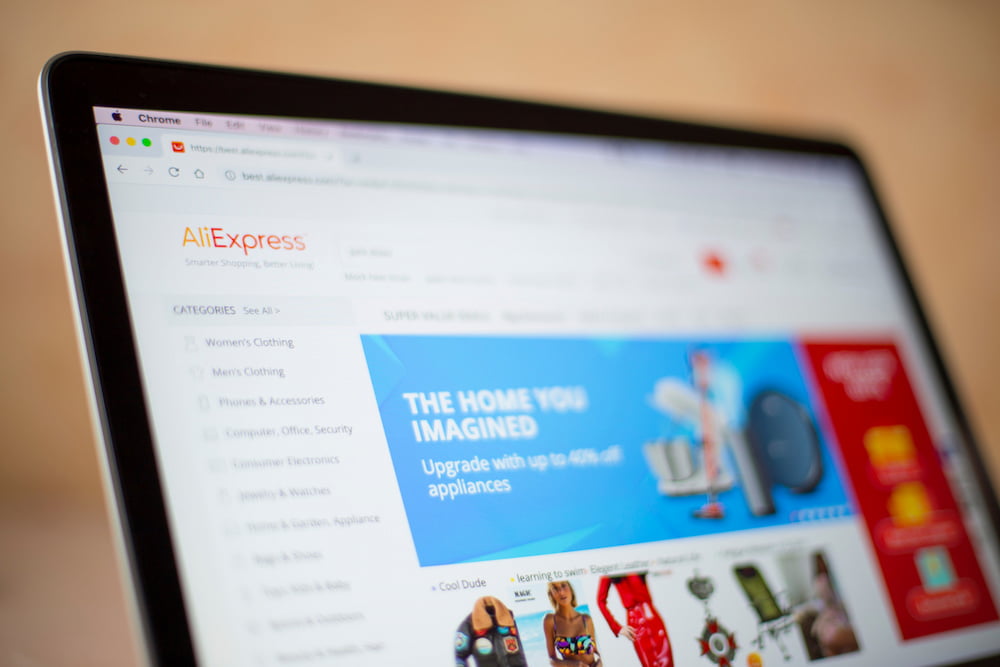
Вижте колко служители използват уебсайтове, свързани с работата, каква информация търсят и колко често се разсейват от социални медии, развлечения или уебсайтове за пазаруване. Контролирайте разсейването, като блокирате непродуктивни уебсайтове.
Социални медии и месинджъри
Социалните медии и чатовете могат да откраднат повече от 30% от работното време. Получавайте подробни записи и екранни снимки на входящи и изходящи съобщения, публикации, посетени страници и общности.
Активност на приложенията
Вижте всички инсталирани програми на компютрите и колко време работят през работното време. Спестете от лицензи за софтуер, който екипът ви не използва.
Проследяване на задачите на принтера
Получете пълен списък на случаите на използване на принтера с времето и името на операцията на принтера. Предотвратете изтичането на корпоративни данни и контролирайте използването на ресурсите на компанията.
Мониторинг на външни устройства за съхранение
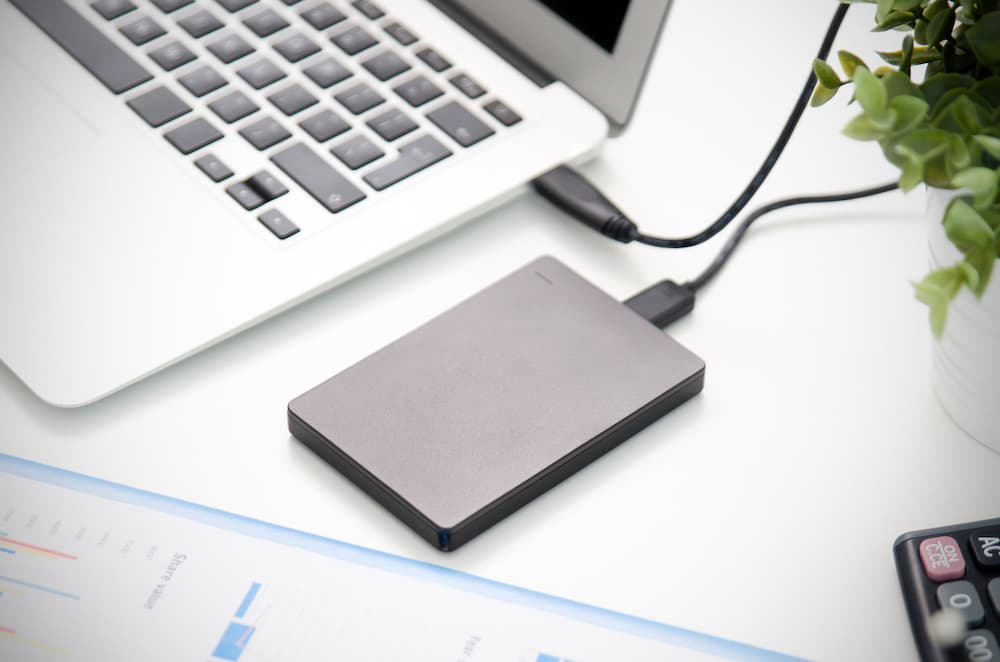
CleverControl записва кои устройства се свързват с компютъра и времето на връзката. Разберете кой копира файлове от корпоративния компютър или го използва за лични нужди.
Проследяване на работното време
CleverControl може да служи като лесна и удобна система за наблюдение на посещаемостта на служителите. Той автоматично събира отчети за това кога членовете на екипа започват и завършват работния си ден.
Проследяване на часове
CleverControl проследява работното време на служителите, като записва кога лицето включва и изключва компютъра. Разберете кой винаги закъснява или се измъква от офиса преди края на работния ден.
Записи на времето на неактивност
Програмата записва периоди на неактивност, които надвишават зададения допустим лимит. Получавайте отчети за общото време на престой през деня за всеки член на екипа.
Присъствен контрол
Винаги проверявайте кой закъснява или отсъства от работа или кой работи през уикендите, за да спази твърде кратки срокове. Балансирайте задачите и поддържайте стабилен и здравословен работен процес.
Самонаблюдение
Служителите имат достъп до персонализирано табло за управление, показващо собствените им наблюдавани данни за дейността, което им помага да придобият представа за работните си навици.

Отдалечен достъп до статистика за дейността на служителите
Мониторингът на служителите в облака ви позволява да проследявате ефективността, независимо къде се намирате. Контролирайте и оценявайте работния процес с един поглед, като използвате информационни статистически диаграми.
Обща оценка на активното време
CleverControl създава графично представяне на общото активно и неактивно време за всеки член и целия екип по ден, седмица, месец или всеки персонализиран период.
Записи на най-използваните приложения и уебсайтове
Вижте кои приложения и категории уебсайтове служителите използват най - често, колко време прекарват на тях и как тази стойност се променя през различните периоди.
В центъра на вниманието на социалните мрежи и използването на месинджъри
Статистиката показва колко време прекарва екипът в социалните мрежи и месинджърите и как се променя този процент.

Любопитно как CleverControl може да отключи потенциала на вашия екип?
Вземете безплатен пробен период и открийте персонализирани прозрения, безпроблемно сътрудничество и по-щастливо и по-продуктивно работно място. Вижте какво е възможно. Започнете своя безплатен пробен период днес.
Започнете безплатноРъководство за наблюдение на служителите
Какво представлява наблюдението на служителите?
Мониторинг на служителите означава събиране на информация за дейностите на персонала на работното място, като се използват различни методи: от компютърен мониторинг до видеонаблюдение. Основните цели са подобряване на производителността, контролиране на корпоративните ресурси и предотвратяване на загубата на данни.

Изследванията, извършени от International Data Corp (IDC), показват, че служителите прекарват до 40% от времето за достъп до интернет на работното място за лични цели. Най - големите потребители са социалните мрежи и уебсайтовете за пазаруване. Като цяло годишната загуба на производителност може да достигне до 40%.
Какви са видовете наблюдение на служителите?
Проследяване на уеб активността
Проследяването на начина, по който екипът ви използва интернет, може да ограничи разсейването. Освен това можете да идентифицирате необходимостта от обучение и да спестите от доставчиците на услуги, като подобрите ефективността на честотната лента.
Наблюдение на дейността на компютъра
Обхваща наблюдение на конфигурирана дейност, свързана с работата на устройства, собственост на компанията. Тя може да включва използване на приложения и уебсайтове, екранни снимки, дейност на принтера, активно и неактивно време и други конфигурирани функции.
Проследяване на местоположението
От съществено значение за хората, които работят на терен или често пътуват по работа. GPS проследяването помага за намиране на устройства, собственост на компанията, ако са откраднати или изгубени.
Мониторинг на разговори
Обичайно за мениджъри продажби или агенти по поддръжка на клиенти. Записите позволяват на мениджърите да гарантират, че служителите следват стандартите за комуникация и обучават нови членове на екипа.
Видеонаблюдение
Най - ефективен на места, които пораждат опасения за сигурността на служителите и имуществото на компанията. Помага да се предотврати кражба или саботаж и да се гарантира, че условията на труд отговарят на изискванията за сигурност.
Как да следим продуктивността на работното място?
Поставете ясни очаквания и крайни срокове
Поставете ясни и измерими цели не само за бизнеса като цяло, но и за всеки екип и член на екипа.
Използвайте софтуер за управление на проекти
Тези приложения ви позволяват да проследявате кой е отговорен за каква работа и колко време прекарва в нея. Задайте задачи, задайте крайни срокове и обсъдете проекта — всичко в една програма.
Измервайте резултатите, а не работното време
Помислете за резултата от работата, а не колко време работниците прекарват в офиса. Точността не е равна на производителност.
Дайте обратна връзка
Ако забележите нископродуктивен работник, той може да изпитва затруднения поради липсата на обучение или неясни задачи. Създайте ефективна култура на отзиви във вашата компания.
Проследяване на дейността на компютъра
Софтуерът за наблюдение на служителите като CleverControl ви позволява да разгледате работния процес и да видите как екипът ви изпълнява задълженията си.
Какво прави софтуерът за наблюдение на служители?
В днешно време софтуерът за мониторинг на служителите е най - разпространеният метод за проследяване на производителността. Системният администратор инсталира програмата за мониторинг на фирмените компютри. След това програмата автоматично проследява дейността и я интерпретира.
Можете да получавате събраните данни по имейл, облачно хранилище или вашето онлайн табло за управление и да сте наясно с работния процес както в офиса, така и в командировка.
Какви са предимствата и недостатъците на наблюдението на служителите?
Основното предимство на наблюдението на персонала е подобрената производителност. Той също така помага за:
- разберете неефективни модели на работа или непредвидени трудности
- анализира работните процеси и ги оптимизира
- разкрива необходимостта от преразпределяне на работното натоварване
- идентифициране на необходимостта от обучение
- проследяване на работното време и присъствието
- гарантира, че персоналът използва разумно ресурсите на компанията
- предотвратяване на изтичане на чувствителни данни
- предоставяне на необходимите доказателства при вътрешни разследвания
Служителите обаче могат да почувстват, че наблюдението нарушава неприкосновеността на личния им живот, да го възприемат като липса на доверие или да се притесняват за представянето си. Работодателят трябва да бъде прозрачен с фирмената политика и причините за наблюдение.
Законно ли е наблюдението на служителите?
В САЩ повечето методи за наблюдение са законни. Работодателят е свободен да следи използването на компютри и интернет, лични съобщения, имейли и телефонни обаждания на фирмени устройства.
В Европа повечето методи за наблюдение на служителите са законни, ако спазват законите на GDPR. Трябва да уведомите персонала за методите за наблюдение, да получите съгласието му за събиране на данни и да защитите събраните данни.
За да се гарантира, че наблюдението във вашата компания не нарушава никакви закони, препоръчваме винаги да се консултирате с местните и щатските закони. Също така е препоръчително да бъдете прозрачни с персонала си относно причините за мониторинга.
 На място
 Монитор на използването на интернет
 Наблюдение на живо в реално време