
CleverControl ng Employee Productivity
Isang programa para sa buong pagsubaybay ng kawani sa workspace. Ang kumpletong ulat ng mga aktibidad ng koponan, oras ng trabaho, paggamit ng Internet at higit pa ay palaging nasa iyong mga kamay.
Tugma sa Windows OS mula 7 at mas mataas at Mac OS mula 10.12 at mas bago.

Pagsubaybay sa Empleyado
CleverControl aims at collecting all-encompassing reports about the daily work routine of your team. Analysis of this information lets you look into the usual workflow in the office, detect successful and ineffective patterns and find ways to improve them.
Pagmamarka ng AI
Powerful AI reviews activity in apps and online, marks this activity as productive or unproductive and gives a productivity score to each employee. Eliminate manual data analysis and gain instant access to a fair and accurate picture of employee performance.
Mga screenshot
The screenshots feature presents the full summary of the day in images. The program takes snaps of the screen when the employee changes active windows, enters a website or copies something to the clipboard.
Pagsubaybay sa paggamit ng Internet
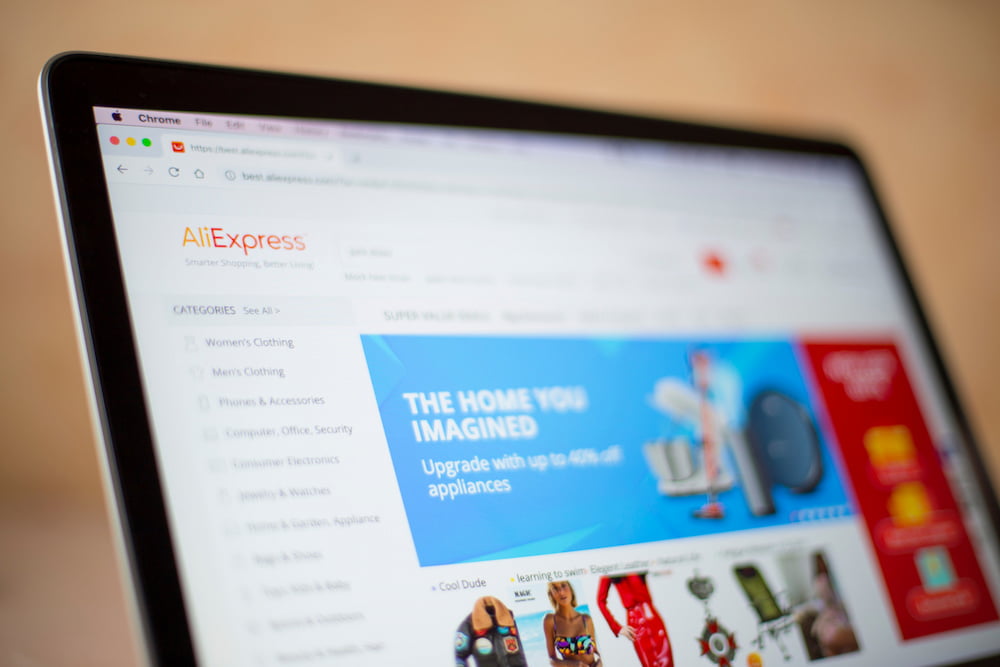
See how much employees use work-related websites, what information they search for, and how often they get distracted by social media, entertainment, or shopping websites. Control distractions by blocking unproductive websites.
Social media at messenger
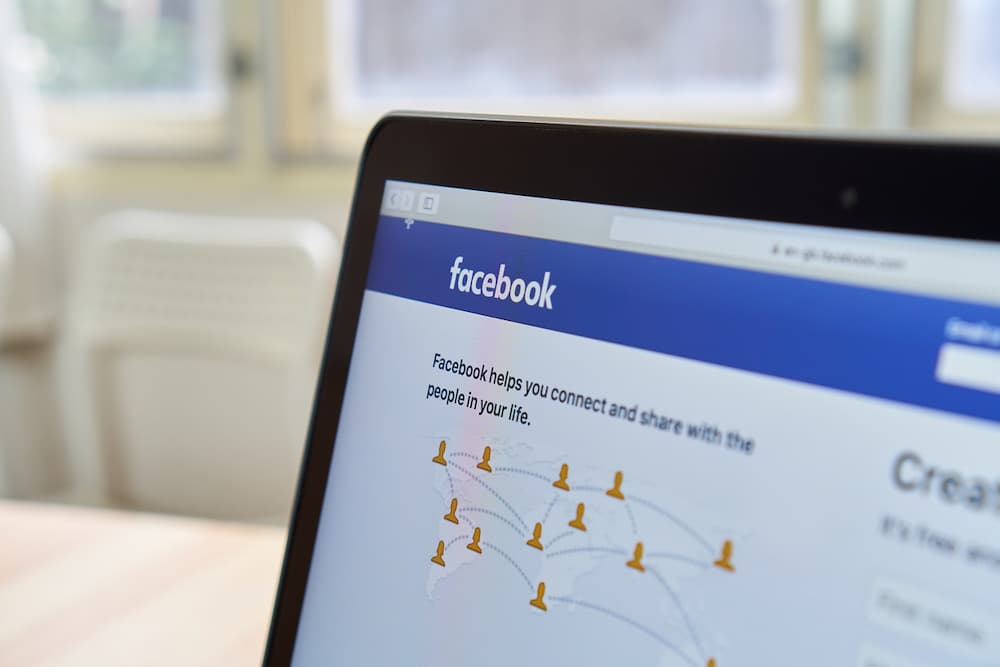
Social media and chats can steal more than 30% of the work time. Get detailed records and screenshots of incoming and outgoing messages, posts, visited pages and communities.
Aktibidad ng mga aplikasyon
See all installed programs on computers and how much time they run during the working time. Save on licenses for software that your team does not use.
Pagsubaybay sa mga gawain ng printer
Receive a complete list of instances of printer use with the time and the name of the printer operation. Prevent corporate data leaking and control the use of company resources.
Pagsubaybay sa mga panlabas na storage device
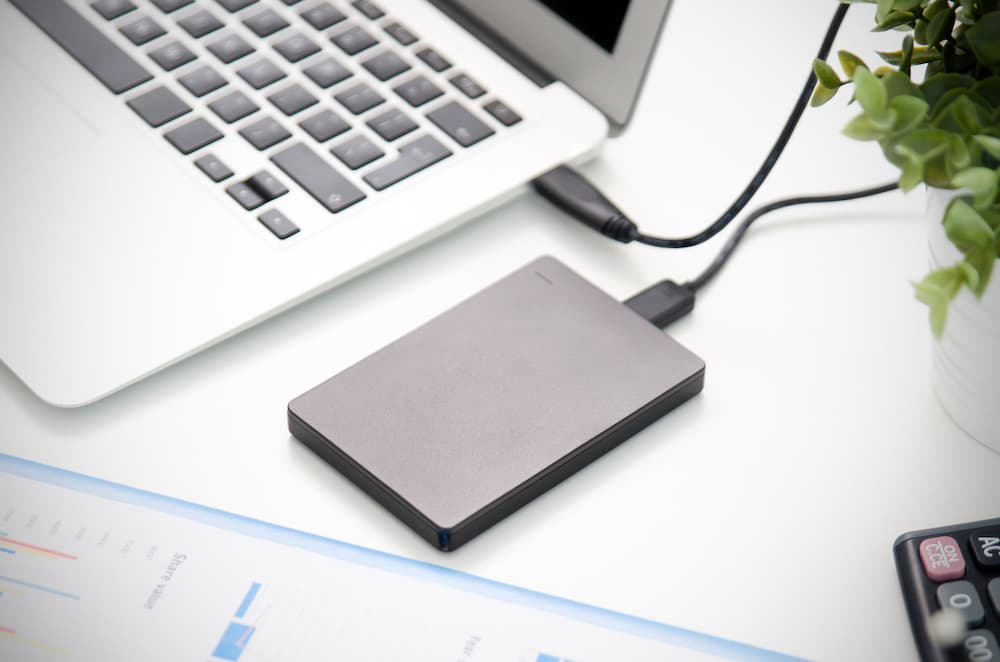
CleverControl records what devices connect to the computer and the time of the connection. Know who copies files from the corporate computer or uses it for personal needs.
Pagsubaybay sa Oras ng Trabaho
CleverControl may serve as an easy and convenient employee attendance monitoring system. It automatically collects reports on when the team members start and finish their workday.
Pagsubaybay sa oras
CleverControl tracks employee hours by recording when the person turns on and off the computer. Find out who is always late or sneaks out of the office before the workday is over.
Mga rekord ng oras ng kawalan ng aktibidad
The program records periods of inactivity that exceed the set allowed limit. Get reports on the overall idle time during the day for each member of the team.
Kontrol ng pagdalo
Always see who is late or absent from work or who works on weekends to meet too tight deadlines. Balance the tasks and maintain a stable and healthy workflow.
Pagsubaybay sa Sarili
Employees can access a personalized dashboard displaying their own monitored activity data, helping gain insight into their work habits.

Malayong pag-access sa mga istatistika ng aktibidad ng empleyado
Cloud employee monitoring allows you to track performance regardless of where you are. Control and assess the workflow at a glance using informative statistics charts.
Pangkalahatang pagtatasa ng aktibong oras
CleverControl creates graphic representations of the overall active and inactive time for each member and the whole team by day, week, month or any custom period.
Mga talaan ng mga pinakaginagamit na application at website
See what apps and categories of websites the employees use the most often, how much time they spend on them and how this value changes over different periods.
Spotlight sa paggamit ng mga social network at messenger
The statistic shows how much time the team spends on social networks and messengers and how this rate changes.

Nagtataka kung paano maa-unlock ng CleverControl ang potensyal ng iyong koponan?
Kumuha ng libreng pagsubok at tumuklas ng mga personalized na insight, tuluy-tuloy na pakikipagtulungan, at isang mas masaya, mas produktibong lugar ng trabaho. Tingnan kung ano ang posible. Simulan ang iyong libreng pagsubok ngayon.
Magsimula nang LibreGabay sa Pagsubaybay sa Empleyado
Ano ang pagsubaybay ng empleyado?
Employee monitoring means gathering information about activities of the staff in the workplace using various methods: from computer monitoring to video surveillance. The main goals are improving productivity, controlling the corporate resources and preventing data loss.

Research performed by International Data Corp (IDC) shows that employees spend up to 40% of the Internet access time at work for personal purposes. The biggest time consumers are social networks and shopping websites. In total, the annual loss of productivity may be as high as 40%.
Ano ang mga uri ng pagsubaybay ng empleyado?
Pagsubaybay sa Aktibidad sa Web
Tracking how your team uses the Internet can restrict distractions. Besides, you can identify the need for training and save on service providers by improving bandwidth efficiency.
Pagsubaybay sa Aktibidad sa Computer
Covers monitoring configured work-related activity on company-owned devices. It may include application and website usage, screenshots, printer activity, active and idle time, and other configured features.
Pagsubaybay sa lokasyon
Essential for people who work in the field or frequently go on business trips. GPS tracking helps to find company-owned devices if stolen or lost.
Pagsubaybay sa Tawag
Usual for sales managers or customer support agents. Recordings allow managers to ensure employees follow communication standards and train new team members.
Pagsubaybay sa video
Most effective in places that raise concerns for the security of employees and the company's property. Helps to prevent theft or sabotage and ensure work conditions meet security requirements.
Paano subaybayan ang pagiging produktibo sa lugar ng trabaho?
Magtakda ng malinaw na mga inaasahan at mga deadline
Set clear and measurable goals not only for the business on the whole but also for each team and team member.
Gumamit ng software sa pamamahala ng proyekto
These apps let you track who is responsible for what work and how much time they spend on it. Assign tasks, set deadlines and discuss the project — all in one program.
Sukatin ang mga resulta, hindi ang oras ng trabaho
Consider the result of the work, not how much time workers spend in the office. Punctuality does not equal productivity.
Magbigay ng feedback
If you notice a low-productive worker, they may be struggling due to the lack of training or unclear tasks. Create an efficient feedback culture in your company.
Subaybayan ang aktibidad ng computer
Employee monitoring software like CleverControl lets you look into the workflow and see how your team perform their duties.
Ano ang ginagawa ng software sa pagsubaybay ng empleyado?
Nowadays, employee monitoring software is the most widespread method of productivity tracking. The system administrator installs the monitoring program on the company computers. After that, the program automatically tracks the activity and interprets it.
Maaari kang makatanggap ng nakalap na data sa pamamagitan ng email, cloud storage o iyong online na dashboard at manatiling may kamalayan sa proseso ng trabaho sa opisina at sa isang business trip.
Ano ang mga kalamangan at kahinaan ng pagsubaybay ng empleyado?
The main advantage of staff monitoring is improved productivity. It also helps to:
- find out ineffective work patterns or unforeseen difficulties
- pag-aralan ang mga proseso ng trabaho at i-optimize ang mga ito
- ihayag ang pangangailangan ng muling pamamahagi ng workload
- tukuyin ang pangangailangan para sa pagsasanay
- subaybayan ang oras ng trabaho at pagdalo
- siguraduhin na ang mga kawani ay gumagamit ng mga mapagkukunan ng kumpanya nang matalino
- maiwasan ang mga sensitibong pagtagas ng data
- magbigay ng kinakailangang ebidensya sa panloob na pagsisiyasat
However, employees may feel that monitoring violates their privacy, perceive it as the lack of trust, or worry about their performance. The employer must be transparent with the company policy and reasons for surveillance.
Legal ba ang pagsubaybay ng empleyado?
In the USA, most monitoring methods are legal. The employer is free to monitor computer and Internet usage, private messages, emails, and phone calls on company-owned devices.
In Europe, most employee monitoring methods are legal if they abide by the GDPR laws. You must notify the staff about the monitoring methods, receive their consent for data collection, and protect the collected data.
To ensure that surveillance in your company does not infringe any laws, we recommend always consulting your local and state laws. It is also advisable to be transparent with your staff about the reasons for monitoring.
 Nasa Nasasakupan
 Monitor ng paggamit ng Internet
 Real-time na Live na Pagsubaybay