
Kiểm soát thông minh năng suất của nhân viên
Một chương trình để giám sát toàn bộ nhân viên tại không gian làm việc. Báo cáo đầy đủ về hoạt động của nhóm, thời gian làm việc, việc sử dụng Internet và nhiều thông tin khác luôn ở trong tầm tay bạn.
Tương thích với HĐH Windows từ 7 trở lên và Mac OS từ 10.12 trở lên.

Giám sát nhân viên
CleverControl hướng đến việc thu thập các báo cáo toàn diện về thói quen làm việc hằng ngày của nhóm bạn. Việc phân tích thông tin này giúp bạn hiểu quy trình làm việc thông thường trong văn phòng, phát hiện các mô hình hiệu quả và kém hiệu quả, đồng thời tìm cách cải thiện chúng.
Chấm điểm AI
AI mạnh mẽ xem xét hoạt động trong ứng dụng và trực tuyến, đánh dấu hoạt động đó là hiệu quả hoặc không hiệu quả và đưa ra điểm năng suất cho từng nhân viên. Loại bỏ việc phân tích dữ liệu thủ công và truy cập ngay vào bức tranh công bằng, chính xác về hiệu suất nhân viên.
Ảnh chụp màn hình
Tính năng ảnh chụp màn hình trình bày toàn bộ tóm tắt trong ngày bằng hình ảnh. Chương trình chụp màn hình khi nhân viên thay đổi cửa sổ đang hoạt động, truy cập trang web hoặc sao chép nội dung vào bảng tạm.
Theo dõi sử dụng Internet
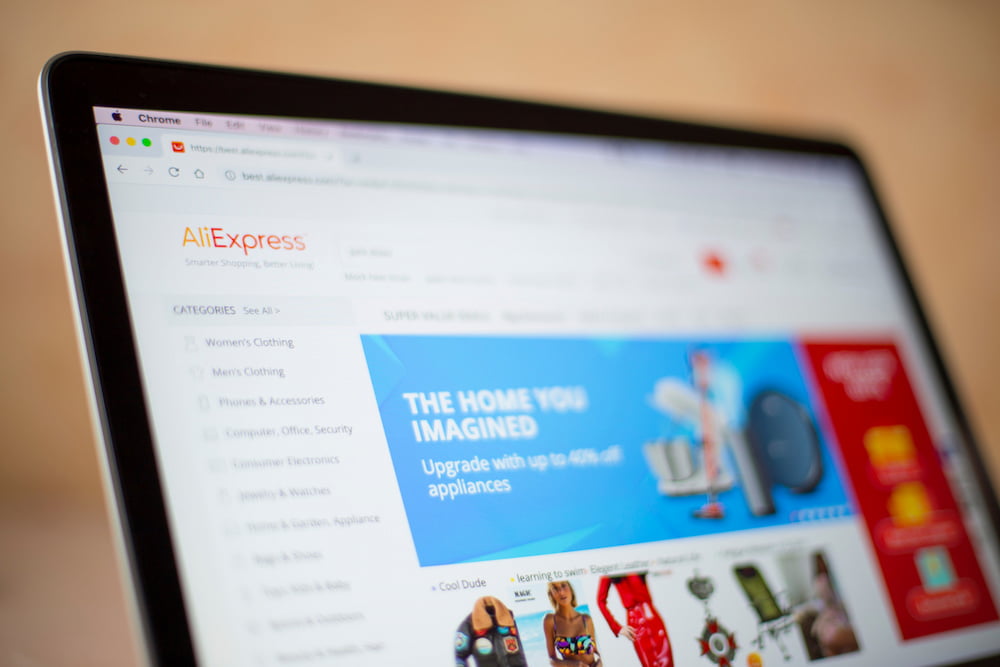
Xem nhân viên sử dụng các trang web liên quan đến công việc nhiều đến mức nào, họ tìm kiếm thông tin gì và tần suất bị phân tâm bởi mạng xã hội, giải trí hoặc trang mua sắm. Kiểm soát sự phân tâm bằng cách chặn các trang web kém hiệu quả.
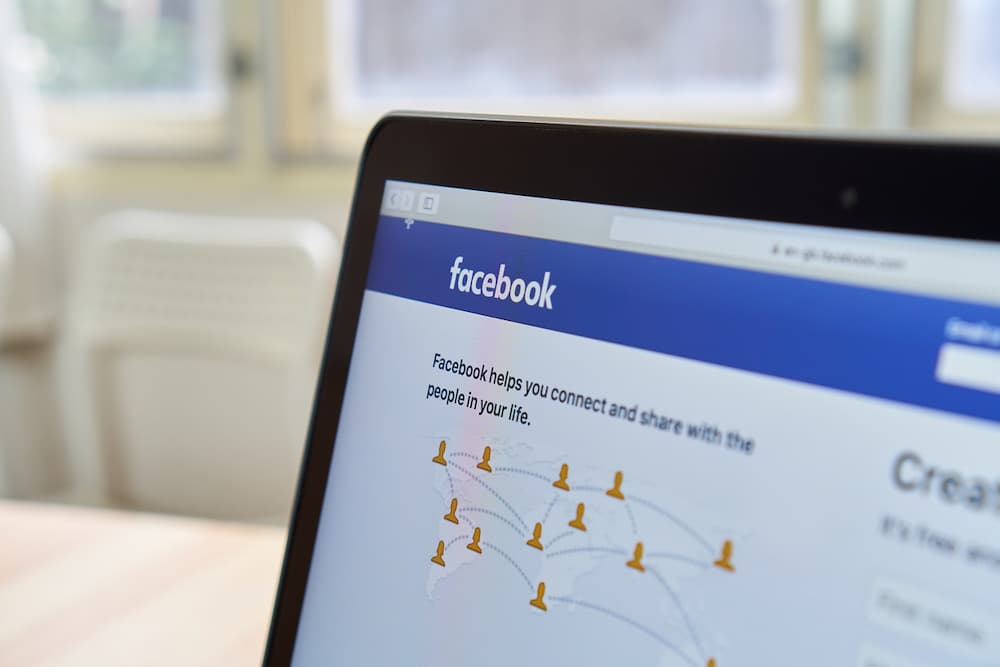
Phương tiện truyền thông xã hội và sứ giả
Mạng xã hội và trò chuyện có thể lấy mất hơn 30% thời gian làm việc. Nhận bản ghi chi tiết và ảnh chụp màn hình của tin nhắn đến và đi, bài đăng, trang đã truy cập và cộng đồng.
Hoạt động ứng dụng
Xem tất cả chương trình đã cài đặt trên máy tính và thời gian chúng chạy trong giờ làm việc. Tiết kiệm chi phí giấy phép cho phần mềm mà nhóm của bạn không sử dụng.
Theo dõi tác vụ máy in
Nhận danh sách đầy đủ các lần sử dụng máy in kèm thời gian và tên thao tác in. Ngăn ngừa rò rỉ dữ liệu công ty và kiểm soát việc sử dụng tài nguyên doanh nghiệp.
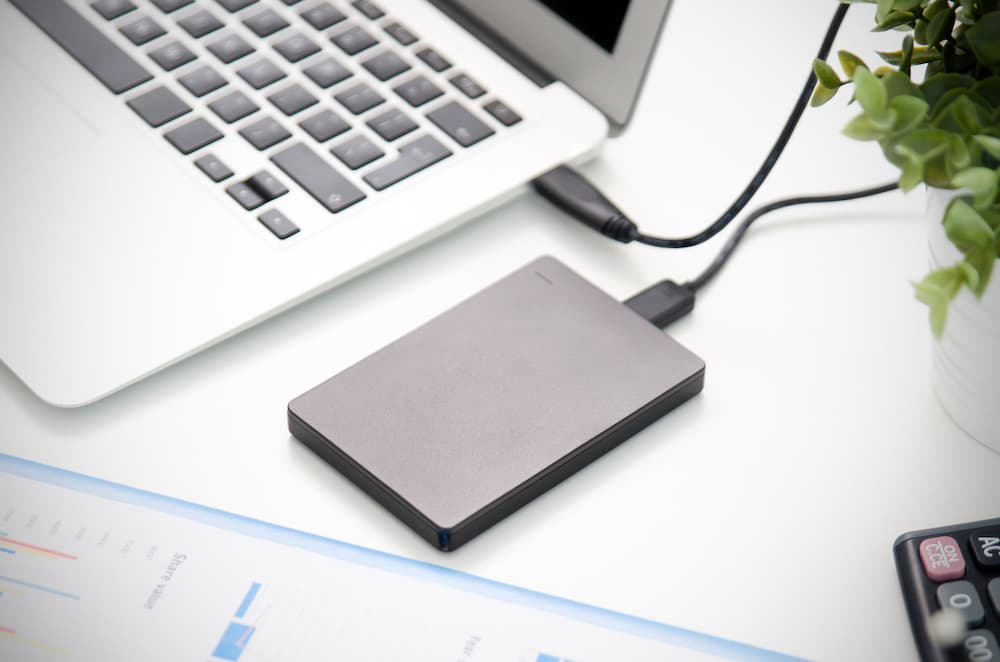
Giám sát các thiết bị lưu trữ bên ngoài
CleverControl ghi lại thiết bị nào kết nối với máy tính và thời điểm kết nối. Nhờ đó, bạn biết ai sao chép tệp từ máy tính công ty hoặc sử dụng máy cho mục đích cá nhân.
Theo dõi thời gian làm việc
CleverControl có thể hoạt động như một hệ thống theo dõi chấm công nhân viên dễ dùng và tiện lợi. Hệ thống tự động thu thập báo cáo về thời điểm các thành viên trong nhóm bắt đầu và kết thúc ngày làm việc.
Theo dõi giờ
CleverControl theo dõi giờ làm của nhân viên bằng cách ghi lại thời điểm họ bật và tắt máy tính. Bạn có thể biết ai thường xuyên đi muộn hoặc rời văn phòng trước khi ngày làm việc kết thúc.
Hồ sơ về thời gian không hoạt động
Chương trình ghi lại các khoảng thời gian không hoạt động vượt quá giới hạn cho phép đã đặt. Nhận báo cáo về tổng thời gian nhàn rỗi trong ngày của từng thành viên trong nhóm.
Kiểm soát chấm công
Luôn biết ai đi muộn, vắng mặt hoặc làm việc vào cuối tuần để kịp những thời hạn quá gấp. Cân bằng nhiệm vụ và duy trì quy trình làm việc ổn định, lành mạnh.
Tự Giám Sát
Nhân viên có thể truy cập bảng điều khiển cá nhân hiển thị dữ liệu hoạt động được giám sát của chính họ, giúp họ hiểu rõ hơn về thói quen làm việc của mình.

Truy cập từ xa vào số liệu thống kê về hoạt động của nhân viên
Giám sát nhân viên trên đám mây cho phép bạn theo dõi hiệu suất dù đang ở bất cứ đâu. Kiểm soát và đánh giá quy trình làm việc trong nháy mắt bằng các biểu đồ thống kê dễ hiểu.
Đánh giá tổng thể về thời gian hoạt động
CleverControl tạo biểu đồ trực quan về tổng thời gian hoạt động và không hoạt động của từng thành viên cũng như toàn bộ nhóm theo ngày, tuần, tháng hoặc bất kỳ khoảng thời gian tùy chỉnh nào.
Bản ghi các ứng dụng và trang web được sử dụng nhiều nhất
Xem nhân viên sử dụng ứng dụng và danh mục trang web nào thường xuyên nhất, họ dành bao nhiêu thời gian cho chúng và giá trị này thay đổi ra sao qua các giai đoạn khác nhau.
Chú ý đến việc sử dụng mạng xã hội và tin nhắn
Thống kê cho biết nhóm dành bao nhiêu thời gian cho mạng xã hội và ứng dụng nhắn tin, cũng như tỷ lệ này thay đổi như thế nào.

Bạn tò mò về cách CleverControl có thể phát huy tiềm năng của nhóm bạn?
Hãy dùng thử miễn phí và khám phá những hiểu biết cá nhân hóa, cộng tác liền mạch và một nơi làm việc hạnh phúc hơn, hiệu quả hơn. Xem những gì có thể. Bắt đầu dùng thử miễn phí ngay hôm nay.
Bắt đầu miễn phíHướng dẫn giám sát nhân viên
Giám sát nhân viên là gì?
Giám sát nhân viên là việc thu thập thông tin về hoạt động của nhân viên tại nơi làm việc bằng nhiều phương pháp khác nhau: từ giám sát máy tính đến giám sát video. Mục tiêu chính là cải thiện năng suất, kiểm soát tài nguyên công ty và ngăn ngừa mất dữ liệu.

Nghiên cứu của International Data Corp (IDC) cho thấy nhân viên dành tới 40% thời gian truy cập Internet tại nơi làm việc cho mục đích cá nhân. Các yếu tố tiêu tốn nhiều thời gian nhất là mạng xã hội và trang mua sắm. Tổng cộng, mức thất thoát năng suất hằng năm có thể lên tới 40%.
Các loại giám sát nhân viên là gì?
Theo dõi hoạt động web
Theo dõi cách nhóm của bạn sử dụng Internet có thể hạn chế sự phân tâm. Ngoài ra, bạn có thể xác định nhu cầu đào tạo và tiết kiệm chi phí nhà cung cấp dịch vụ bằng cách cải thiện hiệu quả băng thông.
Giám sát hoạt động máy tính
Bao gồm việc giám sát các hoạt động liên quan đến công việc đã được cấu hình trên thiết bị thuộc sở hữu công ty. Hoạt động này có thể gồm sử dụng ứng dụng và trang web, ảnh chụp màn hình, hoạt động máy in, thời gian hoạt động và nhàn rỗi cùng các tính năng đã cấu hình khác.
Theo dõi vị trí
Thiết yếu cho những người làm việc ngoài hiện trường hoặc thường xuyên đi công tác. Theo dõi GPS giúp tìm thiết bị thuộc sở hữu công ty nếu bị đánh cắp hoặc thất lạc.
Giám sát cuộc gọi
Phổ biến đối với quản lý bán hàng hoặc nhân viên hỗ trợ khách hàng. Bản ghi âm cho phép quản lý đảm bảo nhân viên tuân thủ tiêu chuẩn giao tiếp và đào tạo thành viên mới.
Giám sát video
Hiệu quả nhất ở những nơi có mối lo ngại về an ninh của nhân viên và tài sản công ty. Giúp ngăn chặn trộm cắp hoặc phá hoại và đảm bảo điều kiện làm việc đáp ứng yêu cầu an ninh.
Làm thế nào để theo dõi năng suất tại nơi làm việc?
Đặt kỳ vọng và thời hạn rõ ràng
Đặt mục tiêu rõ ràng và có thể đo lường không chỉ cho toàn doanh nghiệp mà còn cho từng nhóm và từng thành viên.
Sử dụng phần mềm quản lý dự án
Các ứng dụng này cho phép bạn theo dõi ai chịu trách nhiệm công việc nào và họ dành bao nhiêu thời gian cho công việc đó. Giao nhiệm vụ, đặt thời hạn và thảo luận dự án — tất cả trong một chương trình.
Đo lường kết quả chứ không phải thời gian làm việc
Hãy xem xét kết quả công việc, không chỉ thời gian nhân viên ở văn phòng. Đúng giờ không đồng nghĩa với năng suất.
Đưa ra phản hồi
Nếu bạn nhận thấy một nhân viên có năng suất thấp, họ có thể đang gặp khó khăn do thiếu đào tạo hoặc nhiệm vụ chưa rõ ràng. Hãy xây dựng văn hóa phản hồi hiệu quả trong công ty.
Theo dõi hoạt động máy tính
Phần mềm giám sát nhân viên như CleverControl giúp bạn nhìn vào quy trình làm việc và xem nhóm của bạn thực hiện nhiệm vụ như thế nào.
Phần mềm giám sát nhân viên làm gì?
Ngày nay, phần mềm giám sát nhân viên là phương pháp theo dõi năng suất phổ biến nhất. Quản trị viên hệ thống cài đặt chương trình giám sát trên máy tính của công ty. Sau đó, chương trình tự động theo dõi và diễn giải hoạt động.
Bạn có thể nhận dữ liệu được thu thập qua email, bộ nhớ đám mây hoặc bảng điều khiển trực tuyến của mình và luôn nắm rõ quy trình làm việc cả ở văn phòng và khi đi công tác.
Ưu và nhược điểm của việc giám sát nhân viên là gì?
Ưu điểm chính của việc giám sát nhân viên là cải thiện năng suất. Nó cũng giúp:
- phát hiện các mô hình làm việc kém hiệu quả hoặc khó khăn không lường trước
- phân tích quy trình làm việc và tối ưu hóa chúng
- tiết lộ sự cần thiết phải phân phối lại khối lượng công việc
- xác định nhu cầu đào tạo
- theo dõi thời gian làm việc và tham dự
- đảm bảo rằng nhân viên sử dụng tài nguyên của công ty một cách khôn ngoan
- ngăn chặn rò rỉ dữ liệu nhạy cảm
- cung cấp bằng chứng cần thiết trong điều tra nội bộ
Tuy nhiên, nhân viên có thể cảm thấy việc giám sát xâm phạm quyền riêng tư, xem đó là sự thiếu tin tưởng hoặc lo lắng về hiệu suất của mình. Người sử dụng lao động phải minh bạch về chính sách công ty và lý do giám sát.
Giám sát nhân viên có hợp pháp không?
Tại Hoa Kỳ, hầu hết các phương pháp giám sát đều hợp pháp. Người sử dụng lao động có thể giám sát việc sử dụng máy tính và Internet, tin nhắn riêng, email và cuộc gọi điện thoại trên các thiết bị thuộc sở hữu công ty.
Ở châu Âu, hầu hết các phương pháp giám sát nhân viên đều hợp pháp nếu tuân thủ GDPR. Bạn phải thông báo cho nhân viên về các phương pháp giám sát, nhận sự đồng ý của họ cho việc thu thập dữ liệu và bảo vệ dữ liệu đã thu thập.
Để đảm bảo việc giám sát trong công ty không vi phạm pháp luật, chúng tôi khuyến nghị luôn tham khảo luật địa phương và luật cấp bang của bạn. Bạn cũng nên minh bạch với nhân viên về lý do giám sát.
 Tại chỗ
 Giám sát sử dụng Internet
 Giám sát trực tiếp theo thời gian thực