
Pandai Mengontrol Produktivitas Karyawan
Salah satu program untuk pemantauan staf penuh di ruang kerja. Laporan lengkap tentang aktivitas tim, waktu kerja, penggunaan Internet, dan lainnya selalu ada di ujung jari Anda.
Kompatibel dengan OS Windows mulai 7 ke atas dan Mac OS mulai 10.12 ke atas.

Pemantauan Karyawan
CleverControl bertujuan untuk mengumpulkan laporan menyeluruh tentang rutinitas kerja harian tim Anda. Analisis informasi ini memungkinkan Anda melihat alur kerja biasa di kantor, mendeteksi pola yang berhasil dan tidak efektif serta menemukan cara untuk meningkatkannya.
Penilaian AI
AI yang canggih meninjau aktivitas di aplikasi dan online, menandai aktivitas ini sebagai produktif atau tidak produktif, dan memberikan skor produktivitas untuk setiap karyawan. Hilangkan analisis data manual dan dapatkan akses instan ke gambaran kinerja karyawan yang adil dan akurat.
Tangkapan layar
Fitur tangkapan layar menampilkan ringkasan lengkap hari dalam bentuk gambar. Program ini mengambil tangkapan layar saat karyawan mengganti jendela aktif, mengunjungi situs web, atau menyalin sesuatu ke papan klip.
Pelacakan penggunaan internet
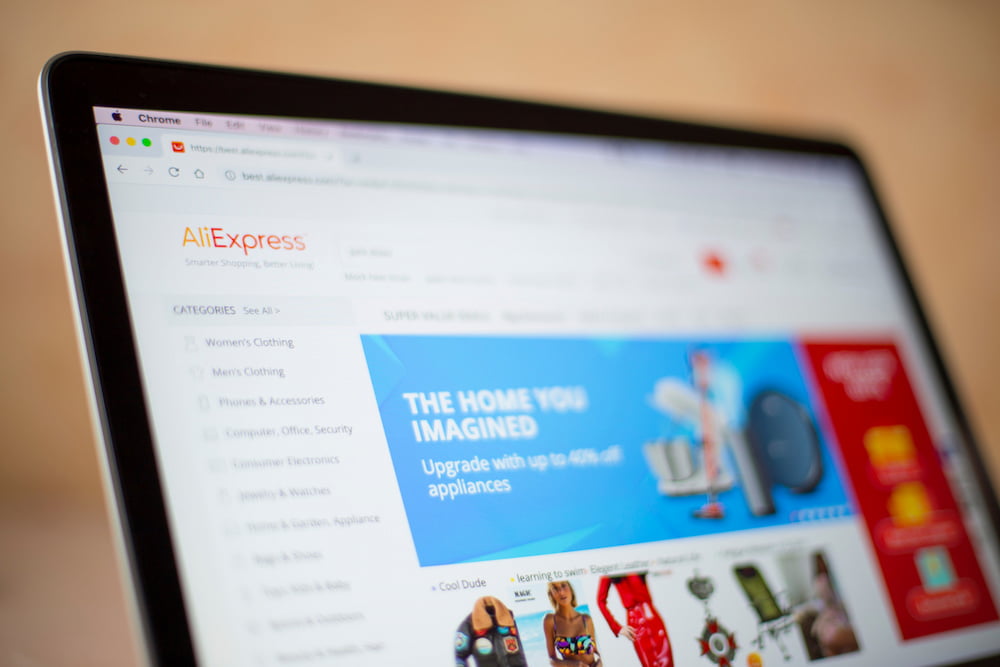
Lihat seberapa sering karyawan menggunakan situs web terkait pekerjaan, informasi apa yang mereka cari, dan seberapa sering mereka terdistraksi oleh media sosial, hiburan, atau situs belanja. Kendalikan gangguan dengan memblokir situs web yang tidak produktif.
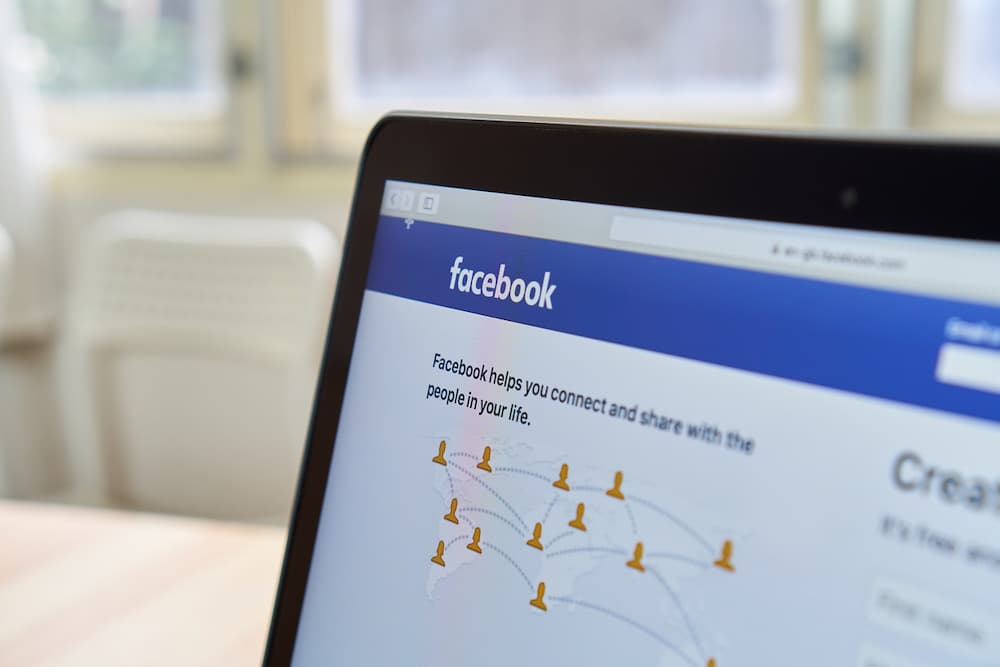
Media sosial dan pengirim pesan
Media sosial dan obrolan dapat mencuri lebih dari 30% waktu kerja. Dapatkan catatan rinci dan tangkapan layar dari pesan masuk dan keluar, postingan, halaman yang dikunjungi, dan komunitas.
Aktivitas aplikasi
Lihat semua program yang terpasang di komputer dan berapa lama mereka berjalan selama jam kerja. Hemat biaya lisensi untuk perangkat lunak yang tidak digunakan oleh tim Anda.
Pelacakan tugas printer
Terima daftar lengkap penggunaan printer beserta waktu dan nama operasi printer. Mencegah kebocoran data perusahaan dan mengontrol penggunaan sumber daya perusahaan.
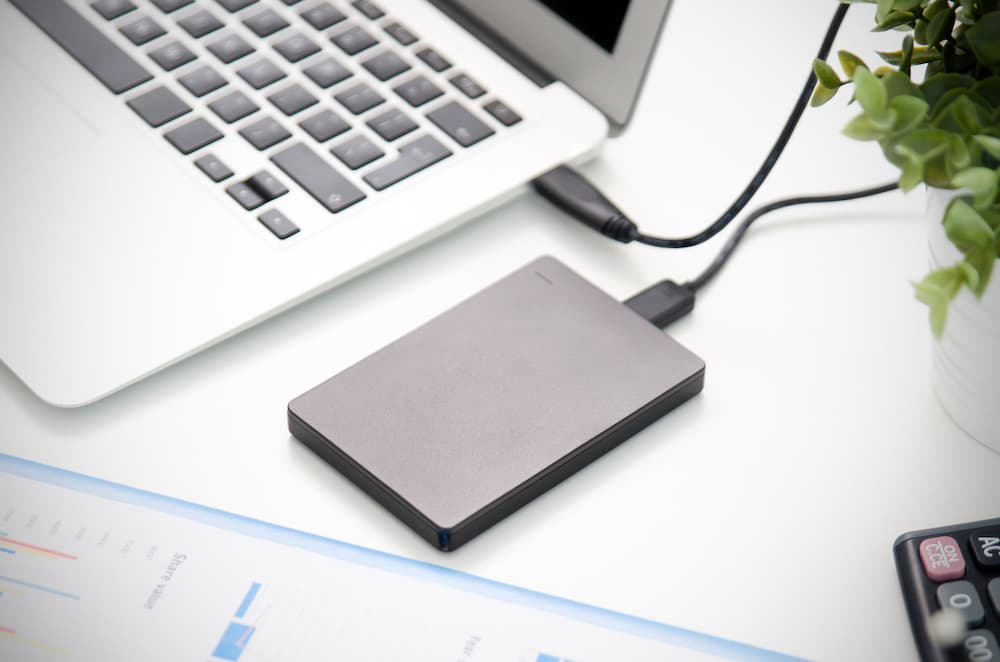
Pemantauan perangkat penyimpanan eksternal
CleverControl merekam perangkat apa yang terhubung ke komputer dan waktu koneksinya. Ketahui siapa yang menyalin file dari komputer perusahaan atau menggunakannya untuk kebutuhan pribadi.
Pelacakan Waktu Kerja
CleverControl dapat berfungsi sebagai sistem pemantauan kehadiran karyawan yang mudah dan praktis. Sistem ini secara otomatis mengumpulkan laporan tentang kapan anggota tim memulai dan menyelesaikan hari kerja mereka.
Pelacakan jam
CleverControl melacak jam kerja karyawan dengan mencatat saat orang tersebut menyalakan dan mematikan komputer. Temukan siapa yang selalu terlambat atau diam-diam keluar dari kantor sebelum hari kerja berakhir.
Catatan waktu tidak aktif
Program ini mencatat periode tidak aktif yang melebihi batas yang diizinkan. Dapatkan laporan tentang total waktu tidak aktif selama sehari untuk setiap anggota tim.
Kontrol kehadiran
Selalu perhatikan siapa yang terlambat atau absen dari pekerjaan atau siapa yang bekerja pada akhir pekan untuk memenuhi tenggat yang terlalu ketat. Seimbangkan tugas-tugas dan pertahankan alur kerja yang stabil dan sehat.
Pemantauan Diri
Karyawan dapat mengakses dasbor yang dipersonalisasi yang menampilkan data aktivitas mereka yang dipantau, membantu memperoleh wawasan tentang kebiasaan kerja mereka.

Akses jarak jauh ke statistik aktivitas karyawan
Pemantauan karyawan berbasis cloud memungkinkan Anda melacak kinerja tanpa memandang lokasi Anda. Kendalikan dan nilai alur kerja dengan sekilas menggunakan grafik statistik yang informatif.
Penilaian waktu aktif secara keseluruhan
CleverControl membuat representasi grafis dari waktu aktif dan tidak aktif secara keseluruhan untuk setiap anggota dan seluruh tim berdasarkan hari, minggu, bulan, atau periode khusus apa pun.
Catatan aplikasi dan situs web yang paling banyak digunakan
Lihat aplikasi dan kategori situs web apa yang paling sering digunakan karyawan, berapa banyak waktu yang mereka habiskan di sana, dan bagaimana nilai ini berubah selama periode yang berbeda.
Sorotan pada jejaring sosial dan penggunaan messenger
Statistik ini menunjukkan seberapa banyak waktu yang dihabiskan tim di jejaring sosial dan aplikasi pesan serta bagaimana tingkat ini berubah.

Penasaran bagaimana CleverControl bisa membuka potensi tim Anda?
Ikuti uji coba gratis dan temukan wawasan yang dipersonalisasi, kolaborasi yang lancar, serta tempat kerja yang lebih bahagia dan produktif. Lihat apa yang mungkin. Mulai uji coba gratis Anda hari ini.
Mulai GratisPanduan Pemantauan Karyawan
Apa itu pemantauan karyawan?
Pemantauan karyawan berarti mengumpulkan informasi tentang aktivitas staf di tempat kerja menggunakan berbagai metode: mulai dari pemantauan komputer hingga pengawasan video. Tujuan utamanya adalah meningkatkan produktivitas, mengendalikan sumber daya perusahaan, dan mencegah kehilangan data.

Penelitian yang dilakukan oleh International Data Corp (IDC) menunjukkan bahwa karyawan menghabiskan hingga 40% waktu mengakses Internet di tempat kerja untuk tujuan pribadi. Pengguna waktu terbesar adalah jejaring sosial dan situs belanja. Secara total, kerugian produktivitas tahunan dapat mencapai 40%.
Apa saja jenis pemantauan karyawan?
Pelacakan Aktivitas Web
Melacak bagaimana tim Anda menggunakan Internet dapat membatasi gangguan. Selain itu, Anda dapat mengidentifikasi kebutuhan pelatihan dan menghemat biaya penyedia layanan dengan meningkatkan efisiensi bandwidth.
Pemantauan Aktivitas Komputer
Mencakup pemantauan aktivitas terkait pekerjaan yang dikonfigurasi pada perangkat milik perusahaan. Ini dapat mencakup penggunaan aplikasi dan situs web, tangkapan layar, aktivitas printer, waktu aktif dan tidak aktif, serta fitur lain yang dikonfigurasi.
Pelacakan lokasi
Esensial bagi orang yang bekerja di lapangan atau sering melakukan perjalanan dinas. Pelacakan GPS membantu menemukan perangkat milik perusahaan jika dicuri atau hilang.
Pemantauan Panggilan
Biasanya untuk manajer penjualan atau agen dukungan pelanggan. Rekaman memungkinkan manajer memastikan karyawan mengikuti standar komunikasi dan melatih anggota tim baru.
Pengawasan video
Paling efektif di tempat-tempat yang menimbulkan kekhawatiran terhadap keamanan karyawan dan properti perusahaan. Membantu mencegah pencurian atau sabotase dan memastikan kondisi kerja memenuhi persyaratan keamanan.
Bagaimana cara memantau produktivitas di tempat kerja?
Tetapkan ekspektasi dan tenggat waktu yang jelas
Tetapkan tujuan yang jelas dan terukur tidak hanya untuk bisnis secara keseluruhan tetapi juga untuk setiap tim dan anggota tim.
Gunakan perangkat lunak manajemen proyek
Aplikasi ini memungkinkan Anda melacak siapa yang bertanggung jawab atas pekerjaan tertentu dan berapa banyak waktu yang mereka habiskan untuk itu. Menetapkan tugas, menentukan tenggat waktu, dan mendiskusikan proyek — semua dalam satu program.
Ukur hasil, bukan waktu kerja
Pertimbangkan hasil dari pekerjaan, bukan seberapa banyak waktu yang dihabiskan pekerja di kantor. Ketepatan waktu tidak sama dengan produktivitas.
Berikan umpan balik
Jika Anda memperhatikan seorang pekerja yang kurang produktif, mereka mungkin mengalami kesulitan karena kurangnya pelatihan atau tugas yang tidak jelas. Ciptakan budaya umpan balik yang efisien di perusahaan Anda.
Lacak aktivitas komputer
Perangkat lunak pemantauan karyawan seperti CleverControl memungkinkan Anda melihat alur kerja dan melihat bagaimana tim Anda melaksanakan tugas mereka.
Apa yang dilakukan perangkat lunak pemantauan karyawan?
Saat ini, perangkat lunak pemantauan karyawan adalah metode pelacakan produktivitas yang paling luas digunakan. Administrator sistem menginstal program pemantauan di komputer perusahaan. Setelah itu, program secara otomatis melacak aktivitas dan menafsirkannya.
Anda dapat menerima data yang dikumpulkan melalui email, penyimpanan cloud, atau dasbor online Anda dan tetap mengetahui proses kerja baik di kantor maupun dalam perjalanan bisnis.
Apa pro dan kontra dari pemantauan karyawan?
Keuntungan utama dari pemantauan staf adalah peningkatan produktivitas. Ini juga membantu untuk:
- menemukan pola kerja yang tidak efektif atau kesulitan yang tidak terduga
- menganalisis proses kerja dan mengoptimalkannya
- mengungkapkan perlunya mendistribusikan kembali beban kerja
- mengidentifikasi kebutuhan pelatihan
- melacak waktu kerja dan kehadiran
- memastikan bahwa staf menggunakan sumber daya perusahaan dengan bijak
- mencegah kebocoran data sensitif
- memberikan bukti yang diperlukan dalam penyelidikan internal
Namun, karyawan mungkin merasa bahwa pemantauan melanggar privasi mereka, menganggapnya sebagai kurangnya kepercayaan, atau khawatir tentang kinerja mereka. Pemberi kerja harus transparan dengan kebijakan perusahaan dan alasan untuk pengawasan.
Apakah pemantauan karyawan legal?
Di AS, sebagian besar metode pemantauan adalah legal. Pemberi kerja bebas memantau penggunaan komputer dan Internet, pesan pribadi, email, serta panggilan telepon pada perangkat milik perusahaan.
Di Eropa, sebagian besar metode pemantauan karyawan legal jika mematuhi undang-undang GDPR. Anda harus memberitahu staf tentang metode pemantauan, mendapatkan persetujuan mereka untuk pengumpulan data, dan melindungi data yang dikumpulkan.
Untuk memastikan bahwa pengawasan di perusahaan Anda tidak melanggar hukum apapun, kami menyarankan agar selalu berkonsultasi dengan hukum lokal dan negara bagian Anda. Juga disarankan untuk bersikap transparan dengan staf Anda mengenai alasan melakukan pemantauan.
 Di Tempat
 Monitor penggunaan internet
 Pemantauan Langsung Waktu Nyata