CleverControl: Controllo Produttività Dipendenti
Un unico programma per il controllo produttività dipendenti e il monitoraggio completo del personale nell'area di lavoro. Un report dettagliato delle attività del team, del tempo di lavoro, dell'utilizzo di Internet e altro è sempre disponibile.
Compatibile con i sistemi operativi Windows da 7 in poi e Mac OS da 10.12 in poi.

Monitoraggio dei dipendenti
CleverControl aims at collecting all-encompassing reports about the daily work routine of your team. Analysis of this information lets you look into the usual workflow in the office, detect successful and ineffective patterns and find ways to improve them.
Riconoscimento dei volti
The program uses the computer's webcam to recognize and make a report of all the employees in front of the computer. Control attendance and reveal workers who may cover up their missing colleagues by imitating activity on their devices.
Punteggio AI
Powerful AI reviews activity in apps and online, marks this activity as productive or unproductive and gives a productivity score to each employee. Eliminate manual data analysis and gain instant access to a fair and accurate picture of employee performance.
Screenshot
The screenshots feature presents the full summary of the day in images. The program takes snaps of the screen when the employee changes active windows, enters a website or copies something to the clipboard.
Tracciamento dell'uso di Internet
See how much employees use work-related websites, what information they search for, and how often they get distracted by social media, entertainment, or shopping websites. Control distractions by blocking unproductive websites.
Social media e messenger
Social media and chats can steal more than 30% of the work time. Get detailed records and screenshots of incoming and outgoing messages, posts, visited pages and communities.
Attività di applicazione
See all installed programs on computers and how much time they run during the working time. Save on licenses for software that your team does not use.
Tracciamento delle attività della stampante
Receive a complete list of instances of printer use with the time and the name of the printer operation. Prevent corporate data leaking and control the use of company resources.
Monitoraggio dei dispositivi di archiviazione esterni
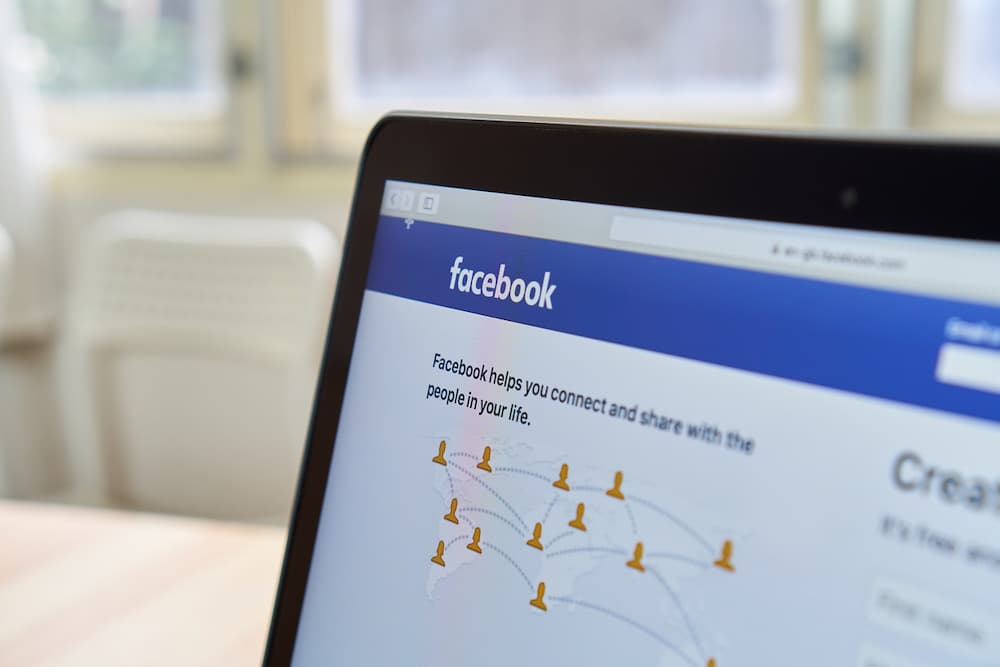
CleverControl records what devices connect to the computer and the time of the connection. Know who copies files from the corporate computer or uses it for personal needs.
Trasmissione su schermo e webcam in diretta
Real-time monitoring lets you view team screens live from your office. CleverControl also offers a live broadcast of webcams connected to corporate computers.
Registrazione dello schermo e della webcam
Record the computer screens during working hours and watch the recordings whenever convenient. Make video recordings from webcams to see what is happening in your office.
Tracciamento dei tempi di lavoro
CleverControl may serve as an easy and convenient employee attendance monitoring system. It automatically collects reports on when the team members start and finish their workday.
Tracciamento delle ore
CleverControl tracks employee hours by recording when the person turns on and off the computer. Find out who is always late or sneaks out of the office before the workday is over.
Registrazione del tempo di inattività
The program records periods of inactivity that exceed the set allowed limit. Get reports on the overall idle time during the day for each member of the team.
Controllo delle presenze
Always see who is late or absent from work or who works on weekends to meet too tight deadlines. Balance the tasks and maintain a stable and healthy workflow.
Autocontrollo
Employees can access a personalized dashboard displaying their own monitored activity data, helping gain insight into their work habits.

Accesso remoto alle statistiche sull'attività dei dipendenti
Cloud employee monitoring allows you to track performance regardless of where you are. Control and assess the workflow at a glance using informative statistics charts.
Valutazione del tempo attivo complessivo
CleverControl creates graphic representations of the overall active and inactive time for each member and the whole team by day, week, month or any custom period.
Registri delle applicazioni e dei siti web più utilizzati
See what apps and categories of websites the employees use the most often, how much time they spend on them and how this value changes over different periods.
Riflettori puntati sull'uso dei social network e dei messenger
The statistic shows how much time the team spends on social networks and messengers and how this rate changes.

Siete curiosi di sapere come CleverControl può sbloccare il potenziale del vostro team?
Provate gratuitamente e scoprite intuizioni personalizzate, collaborazione continua e un ambiente di lavoro più felice e produttivo. Scoprite cosa è possibile fare. Iniziate la vostra prova gratuita oggi stesso.
Iniziare gratisGuida al monitoraggio dei dipendenti
Che cos'è il monitoraggio dei dipendenti?
Employee monitoring means gathering information about activities of the staff in the workplace using various methods: from computer monitoring to video surveillance. The main goals are improving productivity, controlling the corporate resources and preventing data loss.
Research performed by International Data Corp (IDC) shows that employees spend up to 40% of the Internet access time at work for personal purposes. The biggest time consumers are social networks and shopping websites. In total, the annual loss of productivity may be as high as 40%.
Quali sono i tipi di monitoraggio dei dipendenti?
Tracciamento dell'attività web
Tracking how your team uses the Internet can restrict distractions. Besides, you can identify the need for training and save on service providers by improving bandwidth efficiency.
Monitoraggio dell'attività del computer
Covers monitoring configured work-related activity on company-owned devices. It may include application and website usage, screenshots, printer activity, active and idle time, and other configured features.
Tracciamento della posizione
Essential for people who work in the field or frequently go on business trips. GPS tracking helps to find company-owned devices if stolen or lost.
Monitoraggio delle chiamate
Usual for sales managers or customer support agents. Recordings allow managers to ensure employees follow communication standards and train new team members.
Sorveglianza video
Most effective in places that raise concerns for the security of employees and the company's property. Helps to prevent theft or sabotage and ensure work conditions meet security requirements.
Come monitorare la produttività sul posto di lavoro?
Stabilire aspettative e scadenze chiare
Set clear and measurable goals not only for the business on the whole but also for each team and team member.
Utilizzare un software di gestione dei progetti
These apps let you track who is responsible for what work and how much time they spend on it. Assign tasks, set deadlines and discuss the project — all in one program.
Misurare i risultati, non il tempo di lavoro
Consider the result of the work, not how much time workers spend in the office. Punctuality does not equal productivity.
Dare un feedback
If you notice a low-productive worker, they may be struggling due to the lack of training or unclear tasks. Create an efficient feedback culture in your company.
Tracciare l'attività del computer
Employee monitoring software like CleverControl lets you look into the workflow and see how your team perform their duties.
Cosa fa il software controllo pc dipendenti?
Nowadays, employee monitoring software is the most widespread method of productivity tracking. The system administrator installs the monitoring program on the company computers. After that, the program automatically tracks the activity and interprets it.
È possibile ricevere i dati raccolti tramite e-mail, cloud storage o dashboard online e rimanere al corrente del processo di lavoro sia in ufficio che durante un viaggio di lavoro.
Quali sono i pro e i contro del monitoraggio dei dipendenti?
The main advantage of staff monitoring is improved productivity. It also helps to:
- find out ineffective work patterns or unforeseen difficulties
- analizzare i processi di lavoro e ottimizzarli
- rivelano la necessità di ridistribuire il carico di lavoro
- identificare la necessità di formazione
- tracciare i tempi di lavoro e le presenze
- garantire che il personale utilizzi le risorse aziendali in modo oculato
- prevenire la fuga di dati sensibili
- fornire le prove necessarie nelle indagini interne
However, employees may feel that monitoring violates their privacy, perceive it as the lack of trust, or worry about their performance. The employer must be transparent with the company policy and reasons for surveillance.
Il monitoraggio dei dipendenti è legale?
In the USA, most monitoring methods are legal. The employer is free to monitor computer and Internet usage, private messages, emails, and phone calls on company-owned devices.
In Europe, most employee monitoring methods are legal if they abide by the GDPR laws. You must notify the staff about the monitoring methods, receive their consent for data collection, and protect the collected data.
To ensure that surveillance in your company does not infringe any laws, we recommend always consulting your local and state laws. It is also advisable to be transparent with your staff about the reasons for monitoring.
 On-Premise
 Monitoraggio dell'utilizzo di Internet
 Monitoraggio video
 Monitoraggio in tempo reale
Articles



I casi dei clienti
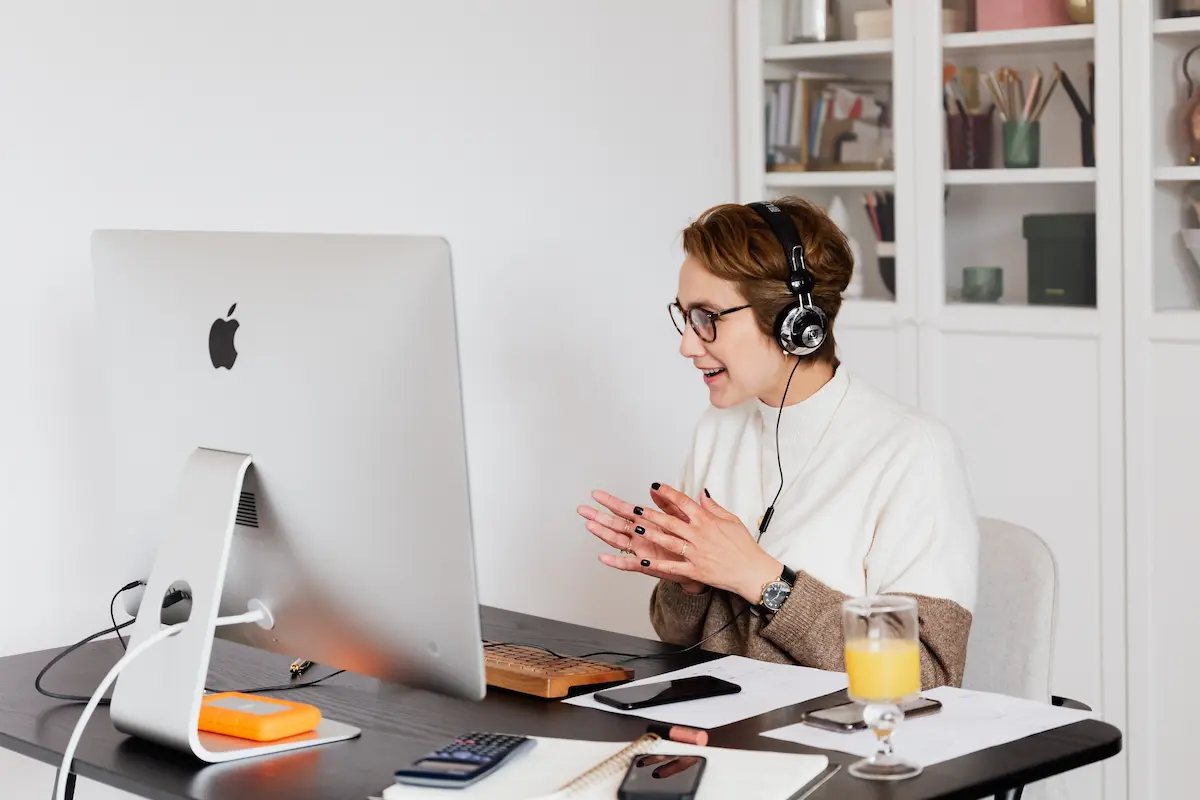






L'importanza di un monitoraggio costante
- Human Resources

Contraccolpo
- Insurance


Frodi sulle fatture
- Construction


Individuazione di un ozioso nel reparto vendite
- Manufacturing




Frodi sui salari
- Insurance



Sicurezza online e Focus in classe
- Education



Migliorare il flusso di lavoro
- Marketing

Frodi sul posto di lavoro
- Services

Novellino senza scrupoli
- Retail


Freelance e miniere
- Publishing

Comportamento inappropriato
- Publishing

Rilevamento delle perdite di dati
- Manufacturing


La carità
- Retail

L'impostore
- Advertising