


The largest share of a modern South Carolina company's value - often up to 70-80% - lies in intellectual rather than physical assets. They include customer lists, pricing strategies, internal processes, product designs, ideas, source code, vendor terms, and specialized know-how - everything that gives the company a competitive edge.
These assets are lucrative targets for data leaks, which often happen in subtle ways: an employee downloads an unusual file, forwards an email outside the company, or accesses sensitive data at an odd hour after work. That is why employee monitoring software is not only a productivity tracking tool, but also an extra layer of security.
For South Carolina employers, that matters. Legal protection for trade secrets is stronger when a business can show it treated the information as confidential and took reasonable steps to keep it that way.
What counts as a trade secret in practice?
When people hear the phrase "trade secret," they often think of secret formulas or patented technology. In reality, trade secrets can be much more ordinary.
A South Carolina business may need to protect:
- customer and prospect lists
- pricing models and bid strategies
- internal financial forecasts
- manufacturing methods
- vendor and supplier terms
- source code and technical documentation
- product designs
- workflows or internal systems that improve efficiency
In short, any information that gives a company a competitive edge and would hurt it if it fell into the wrong hands should be treated as sensitive.
How employee monitoring software helps protect trade secrets
Employee monitoring software is most useful when it is treated as a risk-detection tool, not as a way to watch every small action an employee takes.
Done right, it can help businesses in three main ways.
Detect unusual access to sensitive files
Monitoring tools can show when employees begin interacting with confidential data in ways that are outside their normal routine.
That might include:
- opening files they do not usually use
- accessing restricted folders
- downloading large volumes of documents
- viewing sensitive information outside normal working hours
A single event may not mean much on its own, but patterns matter.
Flag risky behavior before data leaves the business
Some activity may signal that confidential information is being copied, moved, or prepared for removal, for example:
- sending work files to a personal email account
- uploading documents to personal cloud storage
- copying files to a USB device
- taking screenshots of confidential information
- using unauthorized apps to transfer company data
These behaviors do not automatically prove misconduct, but they may need closer attention and timely intervention.
Create an evidence trail when concerns arise
If a situation needs to be reviewed internally, logs and activity records can help answer basic questions such as:
- who accessed the information
- when the access happened
- what files or applications were involved
- whether the behavior was isolated or repeated
If an internal incident happens, this documentation will serve as practical evidence during an investigation or offboarding review.
Monitoring software gives employers visibility into file activity, app usage, and suspicious behavior on company devices, which is why tools like CleverControl are often discussed as part of a broader intellectual property protection strategy.
Why suspicious employee activity deserves attention
The business case for monitoring is not hypothetical. Insider risk is a real issue for companies of all sizes, whether the behavior is malicious, careless, or the result of a compromised account.
What makes this difficult is that suspicious activity often looks small at first. A few extra downloads. A folder opened at an unusual time. A document sent to the wrong place.
That is why employers should pay attention to behavior that feels out of pattern, especially when sensitive data is involved.
Common warning signs South Carolina employers should watch for
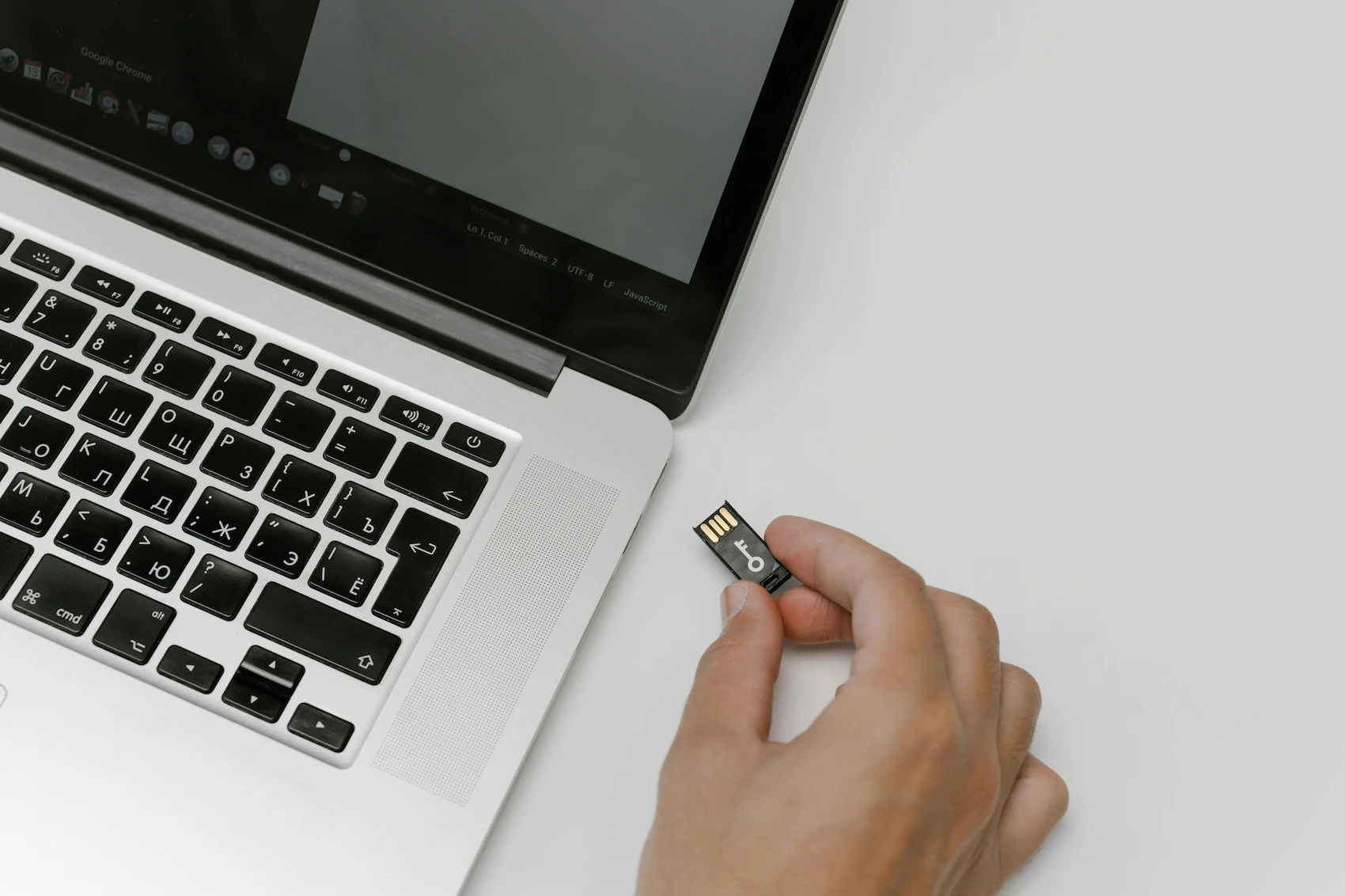
Not every unusual action is a sign of wrongdoing. So, what are the red flags?
- a departing employee suddenly accessing more files than usual
- repeated access to folders outside the employee's normal role
- large downloads of confidential documents
- files being compressed, renamed, or moved in bulk
- transfers to USB drives or personal cloud accounts
- use of personal webmail for company documents
- after-hours access tied to sensitive folders
- attempts to bypass restrictions or security settings
The important thing is to treat these signals as reasons to investigate, not as automatic proof of misconduct.
South Carolina legal considerations before you monitor employees
This section provides only a brief overview of the South Carolina legal landscape and should not be treated as legal advice.
South Carolina employers should think not only about what is technically possible, but also about what is legal, appropriate, necessary, and defensible.
In South Carolina, employee monitoring is affected by the following state and federal laws:
- Electronic Communications Privacy Act (ECPA) and the Stored Communications Act (SCA) allow companies to monitor work-related employee activity and communication on company-owned devices if there is a legitimate business reason for it. However, companies cannot access an employee's private messages or emails.
- S.C. Code Section 17-30-20 is a one-party-consent wiretap statute. Employers may monitor work-related calls where they are a party, such as call center supervision. However, they are generally prohibited from intercepting or recording personal conversations in which they are not a party.
- South Carolina allows video cameras in common work areas, such as factory floors or general offices, where there is no reasonable expectation of privacy, but bans recording in highly private spaces such as locker rooms or bathrooms. Video feeds may capture images only, not sound.
- Finally, the pending "Employee privacy rights" bill (S.C. Code Section 41-1-140, Bill 3732, 2025-26), if passed, will grant employees the right to request disclosure, deletion, or correction of personal information collected by the employer, limit selling or sharing of employee data, and create a cause of action for violations.
Companies must consider these regulations when they decide on employee monitoring, its scope, and its purposes.
A practical monitoring program usually starts with policy.
Use a clear written policy
Employees should understand that company devices, systems, networks, and business communications may be monitored for legitimate business reasons, such as:
- protecting confidential information
- investigating suspicious activity
- maintaining security
- supporting compliance efforts
A written policy makes expectations clearer for everyone and helps avoid confusion later.
Focus on company-owned systems and legitimate business purposes
In most cases, employers are on firmer ground when monitoring is limited to:
- company computers
- company email
- company networks
- company-managed devices
- activity involving company data
The more a business focuses on protecting its own systems and information, the easier it is to justify the monitoring.
Be especially careful with audio monitoring
Audio recording can create extra legal and employee-relations risks. Even when state law may allow certain recordings, broad recording practices can still create problems, especially if multiple states or sensitive workplace settings are involved.
For many employers, it is safer to focus first on file activity, application usage, access patterns, and other less intrusive forms of monitoring.
Common mistakes when using employee monitoring systems
Monitoring software can be helpful, but many businesses misuse it. The biggest mistakes are usually not technical but managerial.
1. Monitoring without a written policy
Installing software without clearly telling employees what is being monitored can create unnecessary legal and trust issues.
2. Collecting too much data without a clear purpose
Some companies gather massive amounts of activity data but never decide what they are actually trying to protect. That approach creates noise instead of insight.
3. Watching everything except the real risk points
A business may collect screenshots and browsing records while overlooking the actions that matter most, such as:
- file transfers
- USB usage
- restricted-folder access
- exports of customer or pricing data
- unusual activity before resignation
4. Treating alerts as proof of wrongdoing
An alert is a signal, not a conclusion. Employees sometimes work late, use unfamiliar apps, or access unusual files for legitimate reasons.
5. Using monitoring as a replacement for access controls
Monitoring cannot fix bad permissions. If too many employees have access to sensitive data, the risk remains high, no matter how good the software is.
6. Ignoring offboarding risk
One of the most important times to review employee activity is during resignation, termination, or role change. Many businesses fail to focus on this window.
7. Failing to train managers
A monitoring system is only useful if someone knows how to review alerts, preserve records, and escalate concerns appropriately.
Best practices for South Carolina business owners and managers
The most effective strategy is a balanced one. Monitoring works best when it supports a broader confidentiality and security program.
Here are some practical steps South Carolina employers can take:
- identify what information truly counts as a trade secret
- limit access based on role and business need
- use confidentiality agreements and acceptable-use policies
- notify employees clearly about monitoring on company systems
- focus monitoring on high-risk assets and behaviors
- review alerts consistently instead of only after a problem occurs
- pay special attention during resignations and offboarding
- preserve logs and records when suspicious activity appears
- involve HR or legal counsel when a situation becomes serious
The goal is not constant surveillance. The goal is to protect the information that keeps the business competitive.