
CleverControl On-Premise
Is advanced data security required by either the law or your industry? Do strict compliance rules limit your use of cloud services? Are you looking for more control over the gathered information?
CleverControl On-Premise is the right solution for you. Get the full functionality of CleverControl cloud solution that works on your servers.
Get in Touch
Three reasons to choose the on-premise employee monitoring solution
Advanced security
Enhanced security is the main reason why many businesses choose on-premise solutions. Employee monitoring may collect sensitive information, such as passwords, bank details, and health records, which is why controlling how this information is stored and accessed is crucial. The on-premise solution grants that the gathered data never leaves your corporate network, and the ultimate control over how the information is kept and who accesses it is solely in your hands.
Government and industry compliance
Geography or industry requirements may complicate the usage of cloud-based employee monitoring software or make it completely impossible. Managing every aspect of the monitoring and the gathered data with the on-premise software, you will easily comply with the state or industry directions.
Complete control over your data
Now you do not have to worry if your cloud monitoring provider makes regular backups, uses secure encryption, or offers data retention periods that are right for you. CleverControl On-Premise puts full control over the collected data in your hands.

Features
Get the top-notch functionality of CleverControl Cloud within your company's infrastructure.
Please review our Acceptable Use Policy before configuring monitoring features.
Screenshots
Receive snaps of the employee's screen whenever they switch windows, enter a website, or copy something to the clipboard. Get a visual report of the employee's workflow.
Visited websites monitoring
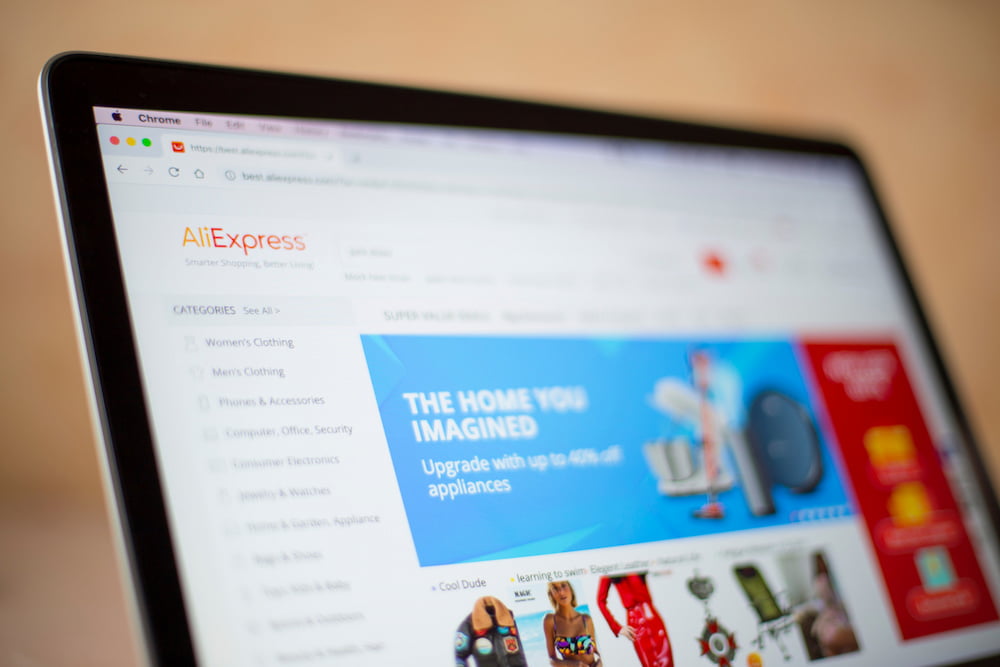
The Internet is not only a source of valuable information but also a major time-waster. By monitoring the browser history, you will always know if your employees are staying productive or wasting their time on shopping or entertainment.
Social media tracking
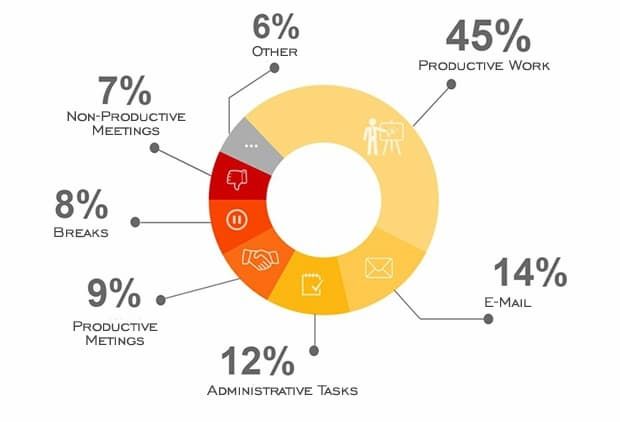
Employees spend 12% of their work time on social media on average, but how high is this percentage for your company? Control the usage of social networks to maintain high productivity and performance.
IM activity
Today messengers are widely used for work communications, client support, and more. But are all of your employees' communications professional? Get reports of employees' instant messengers activity and ensure they stay productive and professional in their communications.
Site blocker
This feature can be customized to block specific websites or categories of websites, such as social media or online shopping sites. Block unproductive sources in your office to limit distractions and maintain a high level of productivity.

Printer monitoring
Get a report of all instances of printing. The program records all printer tasks with timestamps and the username. By monitoring printer operations, you can be sure that employees do not use company-owned equipment for personal purposes.
External storage devices tracking
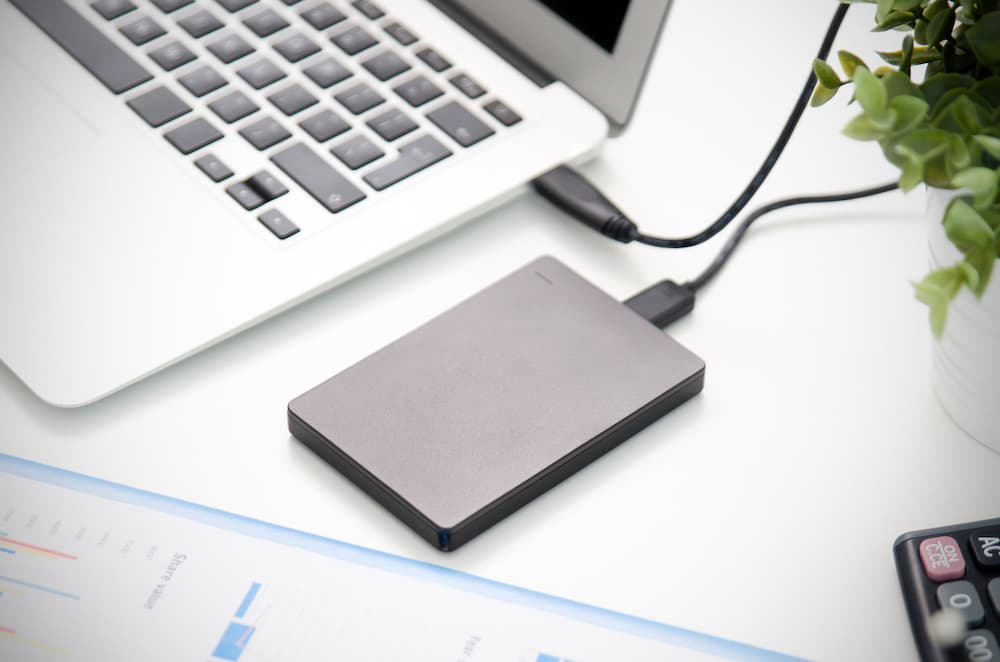
CleverControl captures all instances of external storage connections. This feature lets you know who and when connected a USB stick or an SSD drive to the computer. Such information may be particularly useful in internal investigations or as an additional security measure.
User activity
Get accurate data about when the computer is turned off and on and reveal employees who violate the set work schedule. The software also tracks inactivity periods, so idlers will not go unnoticed.
Apps activity
CleverControl tracks all running applications and the time when they start and stop running, which provides additional information about the employee's productivity.
Installed applications
Get a list of all programs installed on the employee's computer, and be sure that they do not use any unauthorized or unproductive apps, such as mining or games.
Statistics
Does the amount of collected monitoring data seem intimidating to analyze? CleverControl analyzes it for you and presents the results in a clear and easy-to-digest format. Graphic charts and graphs show how productive each employee and the team on the whole are and highlight key activity points.

Call Recording
The program records video and audio calls in popular messengers, such as WhatsApp, Skype, Discord, and Zoom. This feature will be particularly valuable for assessing the customer service employees' work.
Screen Recording
Recordings from the employee's screen show how productive they are throughout the day. Check what the staff does at any moment of any day. This feature is a great alternative to Live Viewing if you do not have an opportunity to track the workflow in real-time.

Sound recording
Sound recording should be used only for narrowly defined, lawful purposes, such as quality assurance in disclosed call-center environments or documented security needs. Customers must comply with all consent, wiretapping, workplace, and privacy laws. Ambient or continuous recording of private conversations is prohibited where not expressly lawful.
Live Viewing
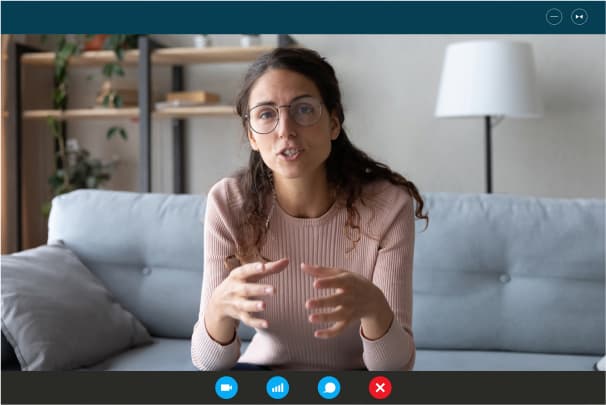
Watch employees' computer screens in real-time with Live Viewing. Using this feature, you can monitor the workflow, detect potential issues, and ensure compliance with company policies and procedures. This feature is valuable for businesses with remote employees when you cannot control them directly.
How it works
Set up and configure your local server with the help of our tech team
Install the monitoring agent on the office computers
View monitoring reports in your local web browser tool, identify areas of improvement, and boost your team's productivity
Try CleverControl's Cloud Solution First: A Hassle-Free Way to Test All the Features Before Investing in On-Premise Version
We understand that configuring an on-premise employee monitoring solution can seem daunting, which is why we recommend trying out our cloud solution first. With the trial version of CleverControl's cloud solution, you can easily test all the features of our employee monitoring software without worrying about complex configurations. The trial version allows you to get a feel for the software and ensure that it meets your needs before investing in the on-premise version. Our cloud solution is easy to set up and provides the same features and benefits as our on-premise solution, including real-time monitoring, productivity-tracking tools, and data security. Try our cloud solution today and see how CleverControl can help you optimize your workforce management.
Sign upFrequently Asked Questions
CleverControl offers both cloud-based and on-premise employee monitoring solutions. While both solutions provide the same comprehensive monitoring capabilities, the on-premise solution is installed on a company's own network and does not require CleverControl's cloud storage. With an on-premise solution, all data is stored locally, making it an ideal choice for businesses with strict data protection regulations. CleverControl On-premise offers businesses even greater control over their data and enhances data security.
Other features:
 Employee Monitoring
 Internet usage Monitor
 Real-time Live Monitoring
Articles





Clients' cases








The Importance of Consistent Monitoring
- Human Resources

Kickback
- Insurance



Invoice Fraud
- Construction



Detecting an Idler in the Sales Department
- Manufacturing




Payroll Fraud
- Insurance



Online safety and Focus in Classes
- Education

Improving Workflow
- Marketing

Frauds in the Workplace
- Services



Unscrupulous Newbie
- Retail

Improving Work Processes in a Growing Team
- Real Estate

Freelance and Mining
- Publishing

Inappropriate behaviour
- Publishing

Data Leakages Detection
- Manufacturing


Charity
- Retail

The Impostor
- Advertising