
Employee Monitoring Software for Better Productivity
We give you real-time visibility to guide your team, not guess their output.
Live Screen View — see without leaving your chair.
Automatic Screen Recording — The system saves video footage so you can review any moment later.
App, Web & Chat Tracking — all neatly organized in one report.
Smart Dashboard — a simple, color-coded dashboard.
Automated Reports — straight to your inbox.
2-Minute Setup — no IT team needed. You'll be up and running before your coffee's ready.
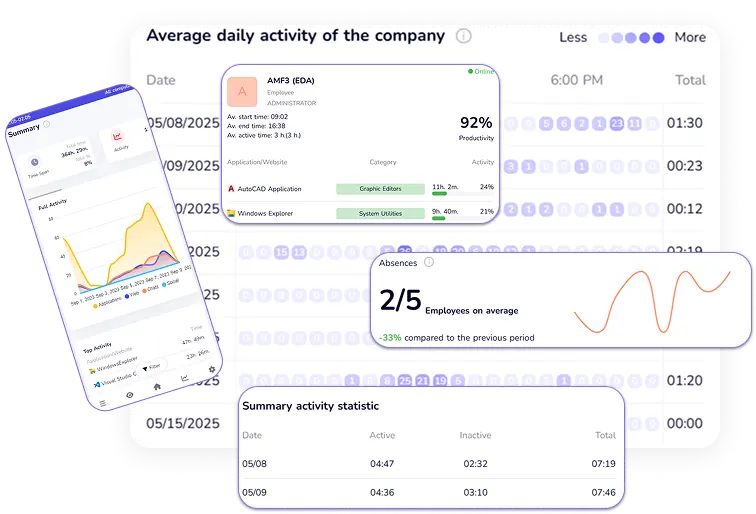
Work insights. Easy access. Anytime, anywhere. From phone or PC.
Unleash Your Team's Potential: The CleverControl Benefits
Forget micromanagement, say hello to maximized potential. CleverControl isn't just about monitoring, it's about empowering your team to thrive. Here's how:
Boost Efficiency, Slash Waste:
Identify hidden bottlenecks, optimize workflows, and watch productivity soar. No more time-draining guesswork, just data-driven insights for a leaner, meaner work machine.
Collaboration on Fire:
Break down communication silos, streamline knowledge sharing, and solve problems faster. Watch your team transform into a well-oiled machine, where every voice is heard and every challenge conquered.
Well-being Wins:
Optimize workloads, prevent burnout, and keep your team happy and healthy. We believe in work-life balance, and CleverControl helps you achieve it, boosting morale and job satisfaction along the way.
Ready to witness the CleverControl transformation? Dive into our case studies and see real-world examples of how companies just like yours are unlocking their full potential.


Recognized among the Top Employee Monitoring Solutions
CleverControl has earned recognition from independent software platforms as a top-ranked, highly recommended, and approved employee monitoring solution.

Watch How CleverControl Works: Installation & Setup Guide
CleverControl Brings Clarity to the Way Teams Work
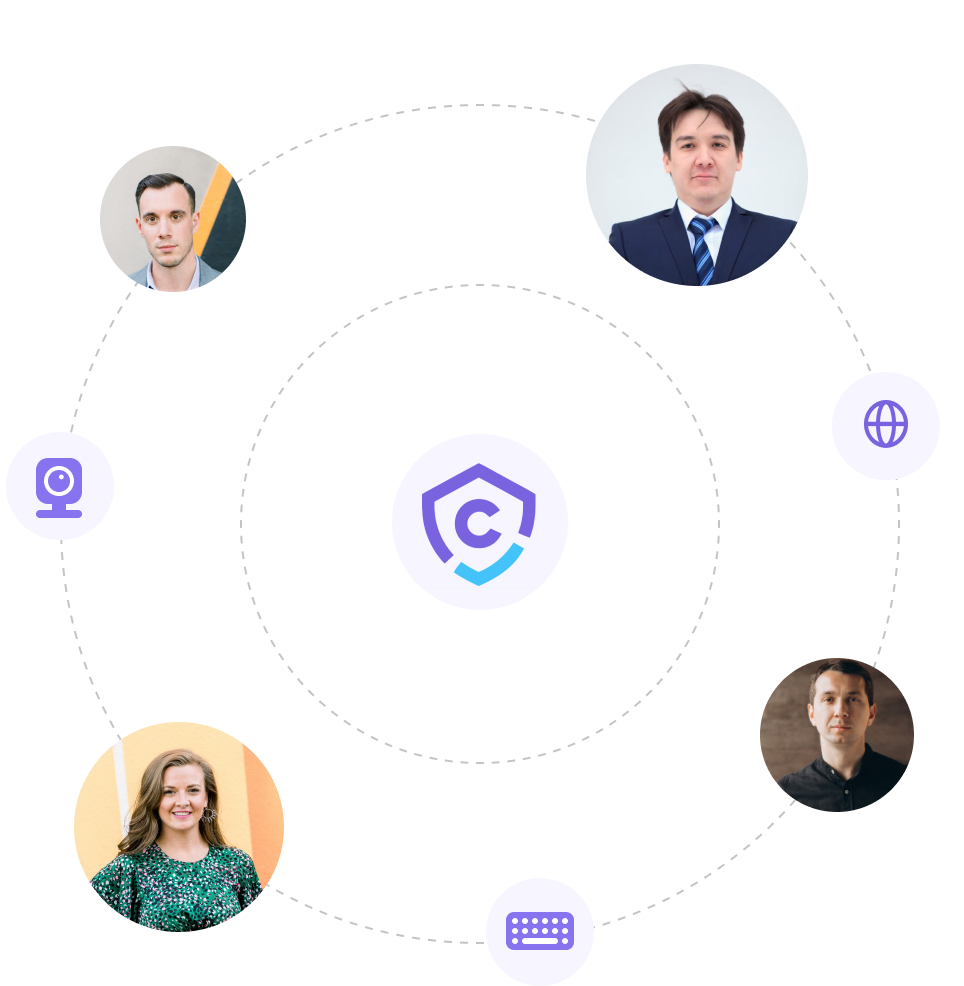
Imagine a work environment where employee monitoring software empowers, not restricts. Where collaborative insights fuel optimizations and breakthroughs, and employee well-being stands hand-in-hand with shared success. This is the environment CleverControl brings to life.
We're not about micromanagement. We're about unlocking team potential through powerful, ethical tools. Our employee monitoring software sheds light on workflow patterns, revealing trends, bottlenecks, and hidden growth opportunities, all while ensuring ironclad data security and encryption (in compliance with ISO 27001 Standard and stored on secure servers) and ethical usage policy.
Everything You Can Track With CleverControl
CleverControl works transparently — employees are informed about computer monitoring, and every feature below supports accountable, policy-based workplace oversight, not covert surveillance.

Productivity & Activity Insights
Application Usage
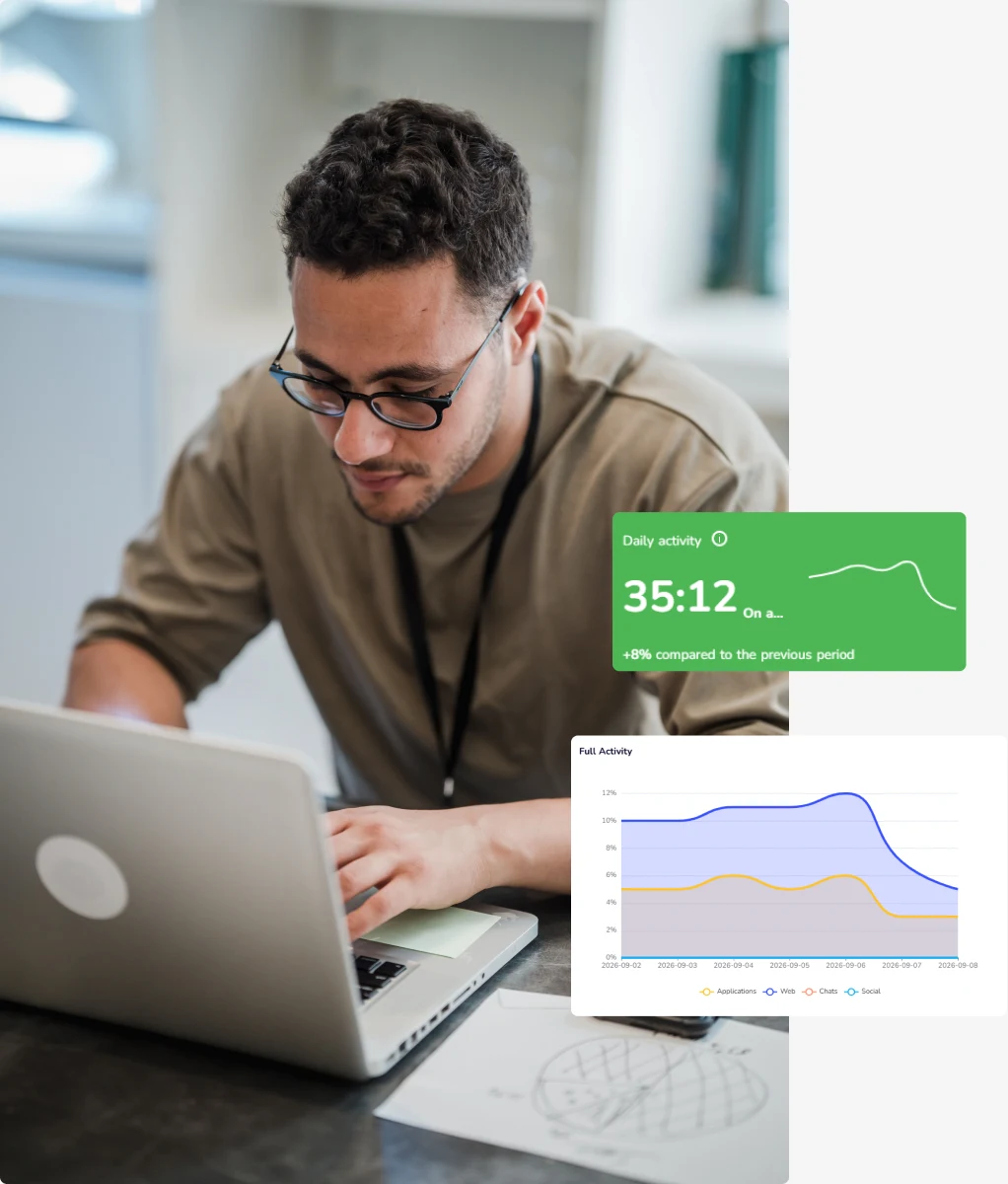
See programs running on employee computers, with time spent in each one — a core part of any employee activity monitoring setup, so you know exactly what tools your team relies on.
Website Usage
Full browsing history for every employee, so you always know if work time goes into research or into online shopping and entertainment.
Search Queries
See what employees search for online — a quick way to spot when someone needs more training.

Screenshots
As part of your monitoring policy, the program captures a screenshot whenever an employee switches windows, opens a website, or copies something to the clipboard, giving you a visual timeline of their workflow.
Time & Attendance Tracking

Hour tracking
Automatic start and end time for every workday, no manual clock-ins or timesheets required — reliable employee computer monitoring without extra admin work.

Records of inactivity time
See exactly when an employee's PC sat idle during work hours, down to the minute.

Attendance control
Instantly spot late arrivals, early departures, and unscheduled absences across your whole team.

User Activity
A combined view of start/end times, active/inactive periods, and overall work patterns for each employee in one place.

Self-Monitoring
Employees can view their own activity dashboard, seeing the same data their manager sees — no hidden tracking, full visibility on both sides.

Remote Access & Live Statistics
Live Viewing
Check in on an employee's screen in real time, from anywhere — a transparent alternative to guesswork for remote employee monitoring software.
Screen Recording
Automatic video capture of on-screen activity, so nothing important gets missed between check-ins.

Overall active/inactive time chart
A visual breakdown of active vs. idle time across the day, week, or any custom period.

Most used apps & websites over time
See trends in what your team spends time on, not just a single day's snapshot.

Communication & Collaboration Monitoring
Social Media Usage
Track time spent on social networks like Facebook, LinkedIn, and Twitter to see how much of the workday goes to browsing versus work tasks.
Messengers Activity
Track messaging app usage across WhatsApp, Viber, Telegram, and Facebook Messenger to help teams stay focused during work hours, disclosed transparently as part of your monitoring policy.
Email Tracking
Review inbound and outbound work email activity to keep client and internal communication accountable.
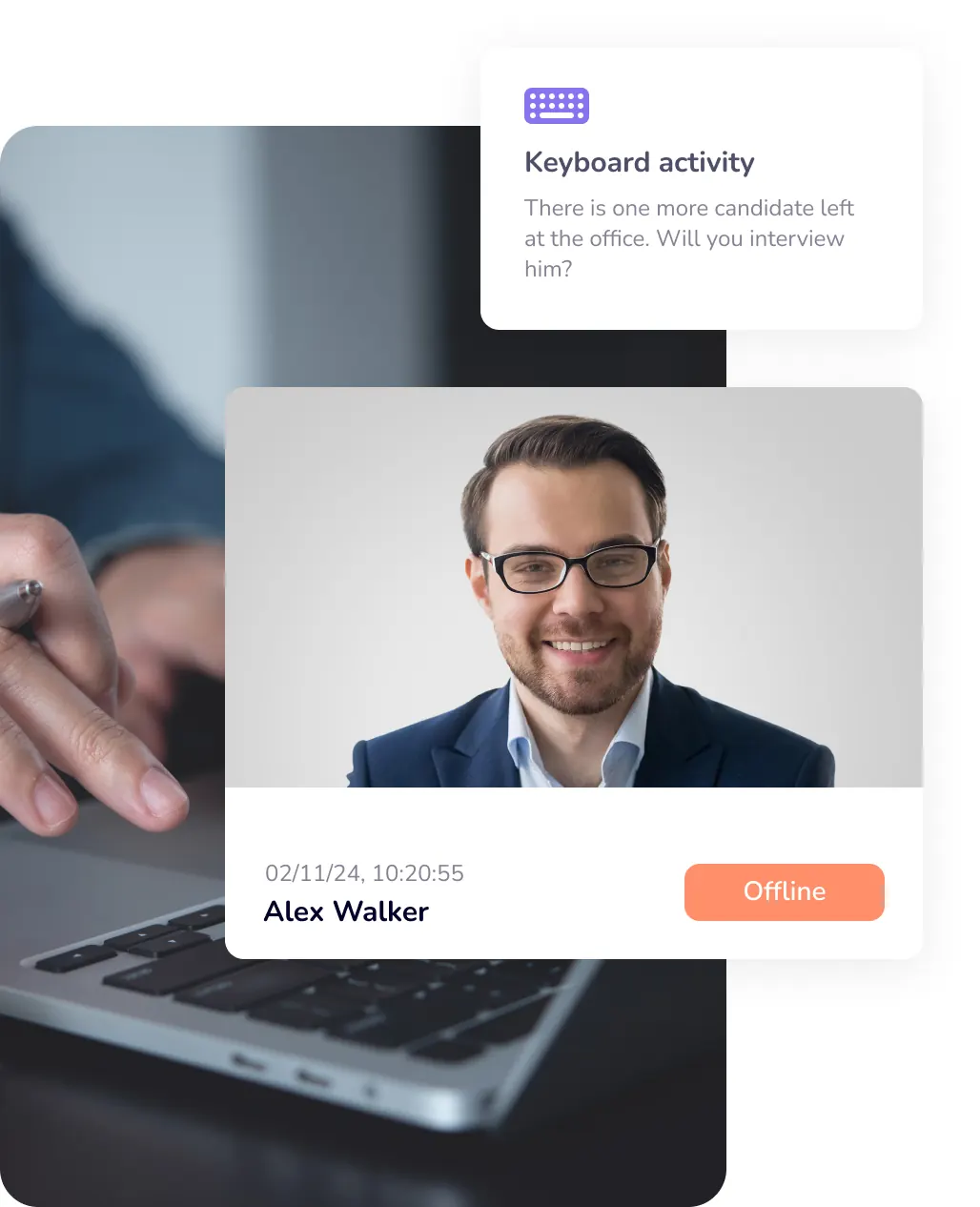
Security & Resource Control
Printer Activity
Every print job logged with a timestamp, so company equipment isn't used for personal purposes.
External Storage Monitoring
Track external storage device connections to help prevent unauthorized data transfers and protect sensitive company information.
How it works?
Download CleverControl Agent from your account
Install the program on the computers that you want to monitor

Receive data and analyze them in the account
Your Data, Your Control: Transparency Built In at CleverControl
CleverControl empowers your team, not your IT department. That's why transparency and data security are at the heart of everything we do.
Know What's Collected:
We're upfront about data. You choose which features are active, and every monitoring option can be disabled on each individual computer, anytime.
Secure by Design:
Your data rests easy. It's encrypted both in transit and at rest on secure servers with SSL encryption 128b, the industry standard for online security.
Privacy First:
We understand your concerns. That's why we have resources readily available, outlining ethical use guidelines and employee privacy safeguards. We believe in open communication, so feel free to explore these resources in detail.
Your Data, Your Access:
You're in control. Any employee can request a manager-generated report with their own data, straight from the dashboard. It's your information, easily accessible.
Curious how CleverControl can unlock your team's potential?
Take a free trial and discover personalized insights, seamless collaboration, and a happier, more productive workplace. See what's possible. Start your free trial today.
Start For FreeBlog

Clients' cases
- Productivity Tools
Best Employee Monitoring Software for Small Businesses (2026)
Read - Data Protection
Insider Threat Indicators: How to Tell an Accident from Intent
Read - Data Protection
Corporate Espionage: How to Recognize and Prevent It
Read - Employee Monitoring
How to Detect a Mouse Jiggler and Why Chasing It Misses the Point
Read