
Minnesota Employee Monitoring Software: Top 5 Features for Compliance

In many employees' minds, monitoring still equals "spying." But that's not how it should work - and in most workplaces, that's not what leaders want anyway.
In reality, monitoring tools are used for staying compliant, keeping data safe, and having clear records in case of incidents or difficult situations.
For Minnesota employers, monitoring can make a big difference. They often manage a mix of environments: office and hybrid teams, shared workstations on factory floors, and field employees traveling between farms, job sites, or customer locations. The right kind of visibility is key in these circumstances.
But what is the right kind of visibility? It's monitoring with transparent policies, sensible settings, and a focus on protecting the business (and employees), not micromanaging.
Here are the five in-demand features in employee monitoring software - especially relevant to Minnesota companies - and how they support visibility without overreaching.
*Important note:* This article is general information, not legal advice. Organizations should align monitoring with applicable laws, collective bargaining agreements (if any), and internal policies. When in doubt, consult qualified counsel.
Why monitoring is often a compliance tool
"Compliance" can mean different things depending on your industry, but most companies are trying to prevent the same types of problems:
- Leaks of sensitive information, risks of phishing, malware, and improper access
- Employees use unapproved tools that create security risks
- A safety, HR, or customer complaint needs investigation
- A manager needs documentation for an audit or incident report
- Time, attendance, or work location becomes a recurring dispute
Monitoring software helps because it creates objective records - not opinions or guesses. When something happens, you don't have to rely on memory. You can pull up timestamps, logs, and reports and see what actually occurred.
Minnesota industries where monitoring is especially useful
Monitoring is common across many sectors, but it tends to be most relevant in Minnesota industries with shift work, shared computers, mobile teams, or strict handling of information:
Agriculture and agribusiness: seasonal staff, multiple sites, shared devices, and valuable operational info (pricing, suppliers, schedules)
Manufacturing and production: shift-based work, shared stations, proprietary processes, and a high need for consistent rules
Food processing: tight quality workflows, traceability expectations, and strong pressure to follow procedure every day
Logistics and field service: route accountability, proof of service, and fewer "eyes on the work" compared to office settings
Healthcare and social services (where applicable): very sensitive data and a need for clear access boundaries
In these environments, monitoring tools aren't about "trusting people less." They help reduce risk in busy, complex operations.
Top 5 features to look for (and why they matter for compliance)
1) Application monitoring (most requested for office + on-site teams)
What it does: Shows which apps are being used, how often, and for how long. In some setups, it can also flag new app installations.
Why it supports compliance:
A lot of security and compliance issues start with a simple decision: "I'll just use this other tool." Maybe it's a messaging app that isn't approved, a file-sharing service that bypasses company controls, or a remote-access tool that opens the door to bigger problems.
App monitoring helps you:
- spot unapproved apps early
- keep company devices aligned with policy
- investigate incidents with real usage data instead of assumptions
Where it's especially relevant in Minnesota: manufacturing facilities and processing environments where devices are shared across shifts, and the "normal" software stack should be consistent.
2) Website monitoring and filtering (critical for security + policy enforcement)
What it does: Tracks visited websites and time spent online. Many tools also support website category filtering, so risky or irrelevant sites can be blocked on work devices.
Why it supports compliance:
Most companies aren't worried about someone checking the weather. What they *are* worried about is:
- phishing sites that steal credentials
- unsafe downloads that lead to malware
- repeated browsing that violates policy or creates legal exposure
Website monitoring gives you a clear picture of how work devices are being used - and if something goes wrong, it helps you trace events quickly.
Where it's especially relevant: offices tied to production and supply chain (purchasing, planning, inventory, accounting). One compromised account can disrupt operations fast.
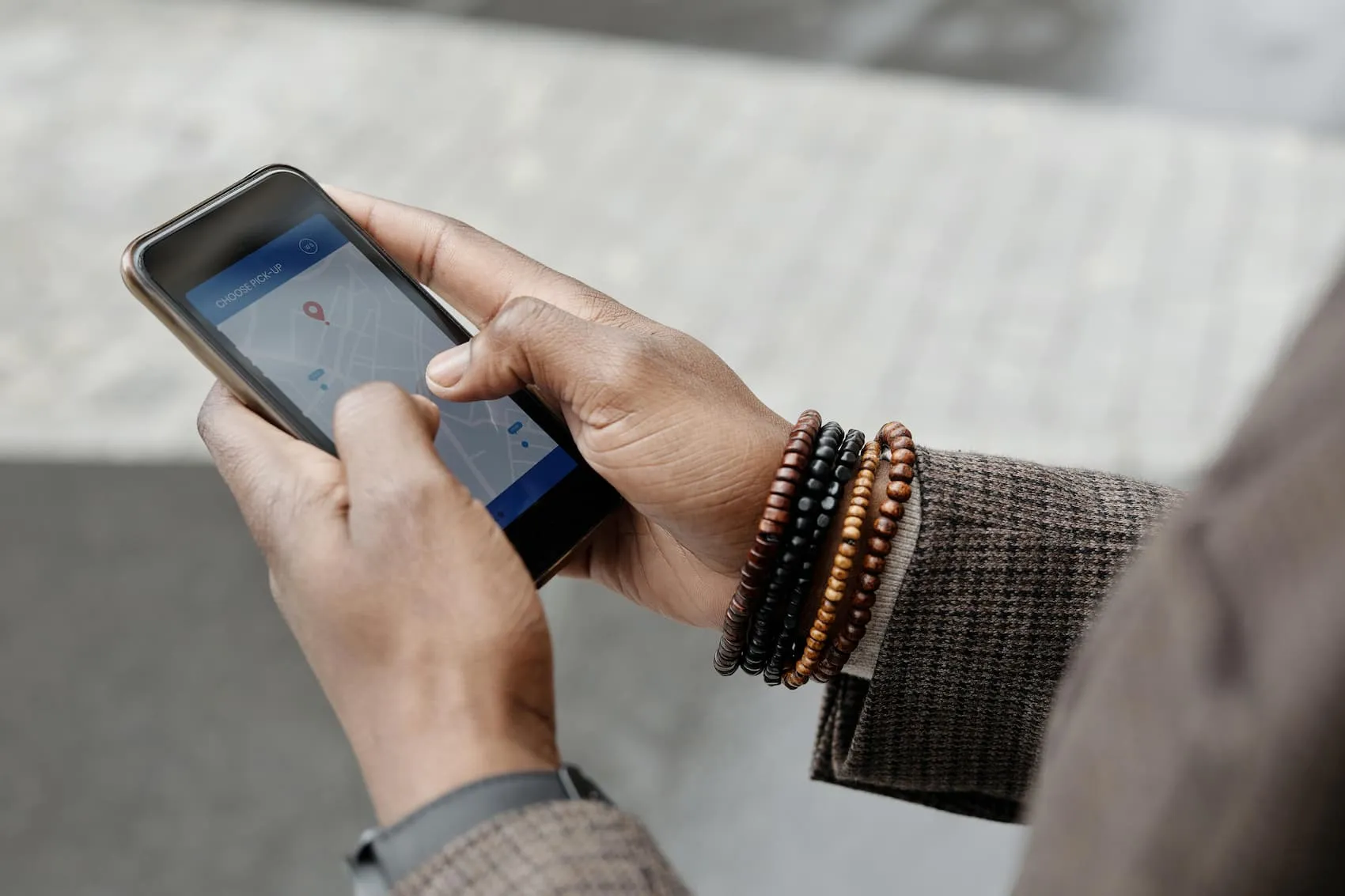
3) Geolocation tracking (for field teams and mobile teams)
What it does: Confirms where a work device is during work hours. Depending on the tool and settings, it can show routes, timestamps, and location history.
Why it supports compliance:
When your workforce is mobile, compliance isn't only digital - it's also operational. Location tracking can help with:
- resolving timecard disputes ("I was on-site at 8:00")
- confirming service visits or deliveries
- supporting safety policies for remote or lone workers
This feature should be used carefully and transparently, but for many field-based roles it reduces friction rather than creating it - because it replaces guesswork.
Where it's especially relevant: logistics, agriculture service, construction-adjacent services, and any role that moves between rural sites across Minnesota.
4) Reports and audit-ready logs (the feature you'll be grateful you have later)
What it does: Turns raw activity into usable reports: timelines, summaries, and exportable logs.
Why it supports compliance:
This is the part that often gets overlooked when companies focus only on "what can we track?" But from a compliance perspective, the real value is: can we document what happened clearly?
Good reporting helps you:
- prepare for audits
- respond to incidents quickly
- coach consistently (based on patterns, not one-off moments)
- show that policies are applied fairly across teams and shifts
Where it's especially relevant: manufacturing and production environments where accountability has to work across different managers, shifts, and shared equipment.
5) Data protection controls (screenshots, alerts, access, and retention)
What it does: This category covers the "guardrails" - features that help you capture useful evidence while also controlling who sees it and how long it's stored. Depending on your setup, this may include:
- screenshots (scheduled or event-based)
- alerts for risky behavior or keywords
- role-based access permissions
- retention rules (automatic deletion after a set period)
Why it supports compliance:
If monitoring data is collected but not controlled, it becomes a liability. The best tools make it possible to:
- gather proof when needed (without constant live viewing)
- restrict access to authorized roles only
- avoid keeping sensitive records longer than necessary
Where it's especially relevant: healthcare-adjacent workplaces and any business handling sensitive customer data, proprietary production details, or confidential pricing information.
Best practices that make monitoring feel reasonable
Even the best software can create pushback if it's implemented poorly. A few principles make a big difference:
Be upfront. Clear written policies and employee notice aren't optional - they're the foundation.
Monitor with a purpose. Tie it to real goals: security, compliance, safety, and operational accountability.
Start light, then adjust. Many teams begin with reports and only enable more detailed capture if there's a real need.
Limit access. Not everyone should be able to view detailed monitoring records. Use role-based permissions.
Set retention rules. Keep data only as long as needed for compliance and investigations.
A quick checklist before you choose a tool
If you're evaluating employee monitoring software for a Minnesota workforce, ask:
- Does it support the five features we covered?
- Can it handle shared devices and shift-based work?
- Does it provide clear, exportable reports?
- Are the data protection controls robust?
- Is it transparent about what it monitors and how?
Final takeaway
For Minnesota organizations - especially in agriculture, manufacturing, food processing, and logistics - the most helpful feature set usually includes application monitoring, website monitoring, geolocation, audit-ready reporting, and strong data protection controls. With a clear policy and thoughtful setup, monitoring can support compliance goals without damaging trust.
CleverControl: Smart Employee Monitoring